Create a Swiss QR-bill online

Write an invoice with a QR payment part
Create compliant Swiss QR-bills that your customers can easily pay.

Free of charge and without registration
We provide this online invoicing program free of charge. You don't need to create an account.

Do you need more?
If you want to save your invoices or need features like VAT, discounts, logo, or other columns, create an account.
Frequently Asked Questions
Do I have to show VAT on my invoice?
Am I free to set the payment term?
When do I send a reminder to customers?
Do I need a QR invoice or is a conventional invoice enough?
Can I choose any brand name for my business as the sender?
Infinity
The simplest Swiss invoicing program
We make Infinity – the simple Swiss business software for sending professional quotes and invoices.

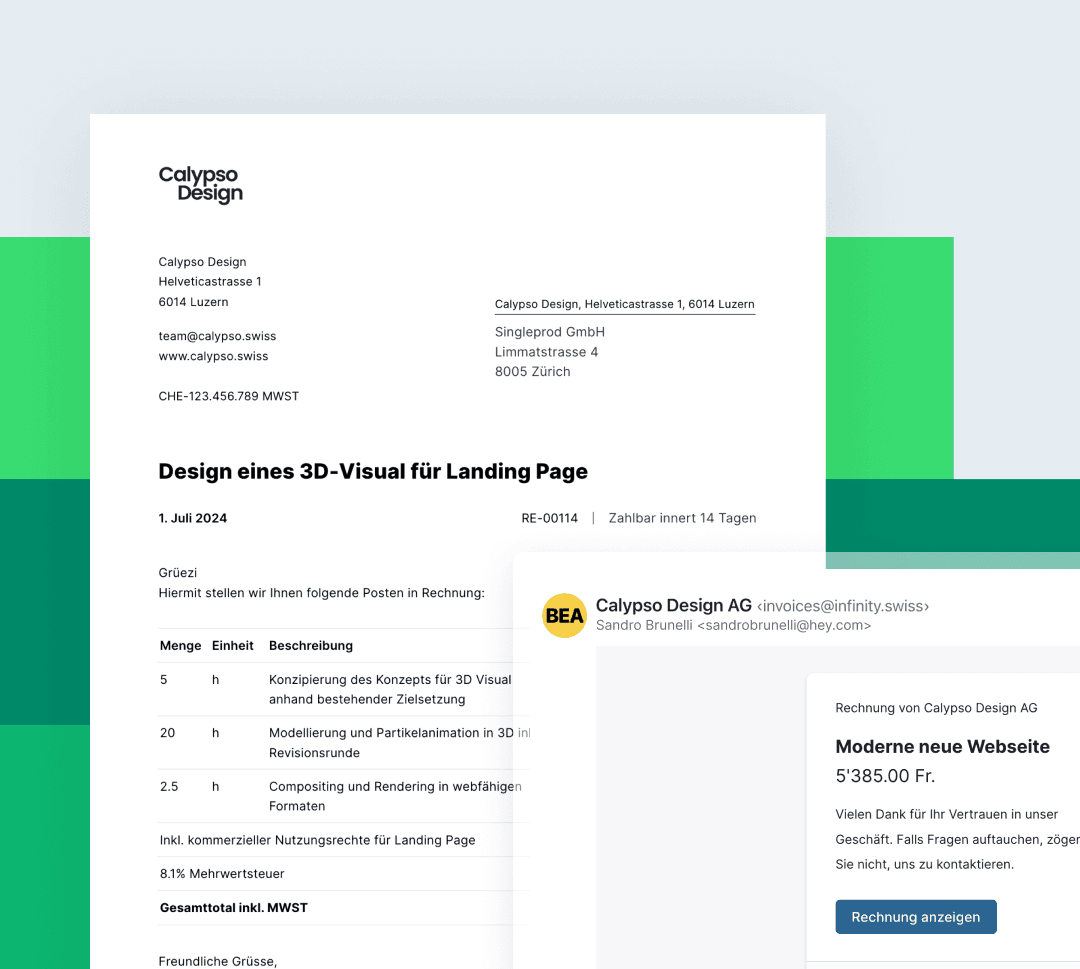
Send invoices by email
With Infinity you can send quotes and invoices to your customers via a link or directly by email.

All invoices at a glance
You can find all of your customers' invoices and quotes again at any time and see who has already paid.
How the QR invoice works
Requirements for the QR invoice
The QR invoice is now the central element of modern payment transactions in Switzerland and Liechtenstein. So that payments can be processed quickly, securely and without errors, QR invoices have to meet certain requirements. These rules make sure that all relevant payment information is transmitted correctly and can be processed easily by everyone involved – from the issuer of the invoice to the payee.
Learn more in our knowledge article about Swiss invoices:
What is the QR payment part?
A central element is the QR code: it contains all the important details such as the amount, the payee's address, the payment reference and further information needed for the payment. The QR code can be scanned with a mobile banking app or in e-banking, so the invoice amount no longer has to be typed in by hand. That saves time and reduces errors.
Every QR invoice has a payment part that lays out all the necessary payment information clearly. The recipient can therefore see at a glance which details are relevant for the payment. A receipt is included as well, which serves as proof of payment and matters to the invoice issuer as much as to the customer.
How do I have to print the QR invoice?
There are clear rules for printing the QR invoice: it has to be produced on white, perforated paper so that the QR code can be read without trouble. A clean, legible print is crucial for scanners and apps to recognise the code. All details such as name, address, amount and reference number must appear on the invoice completely and correctly.
How can customers pay the QR invoice?
The QR invoice supports several ways to pay. Besides the classic bank transfer, the QR code can be used with a mobile banking app or directly in e-banking. In theory, solutions such as TWINT can also be integrated by extending the QR code with additional parameters.
Before a QR invoice is sent, it should be checked carefully. Only then is it certain that all the information is correct and the QR code is valid. That protects against errors in payment transactions and keeps the process smooth – for companies and private individuals alike.

