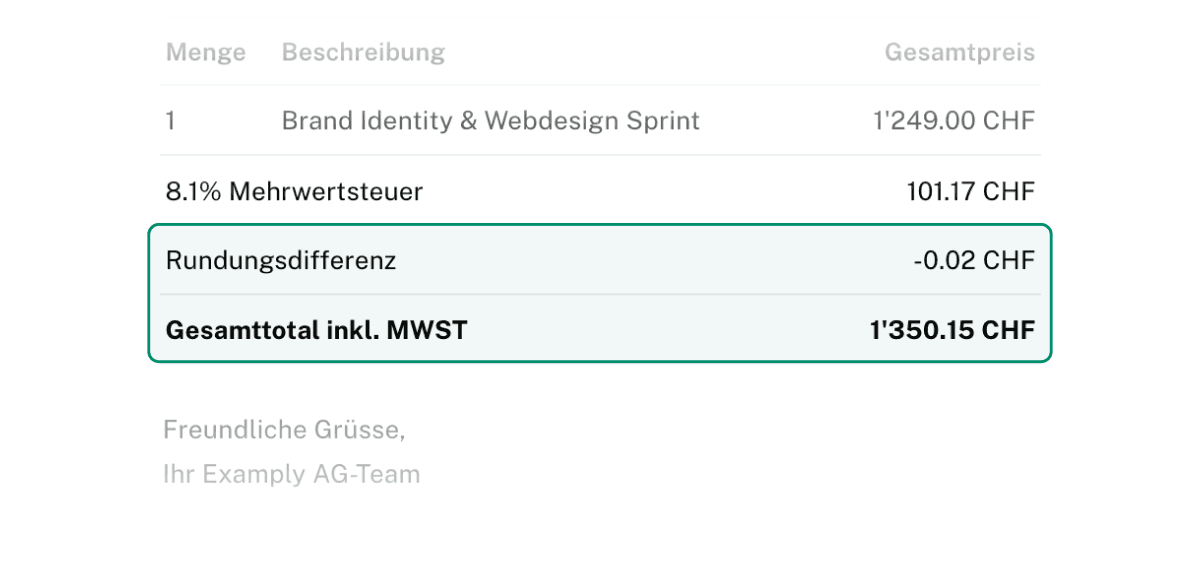
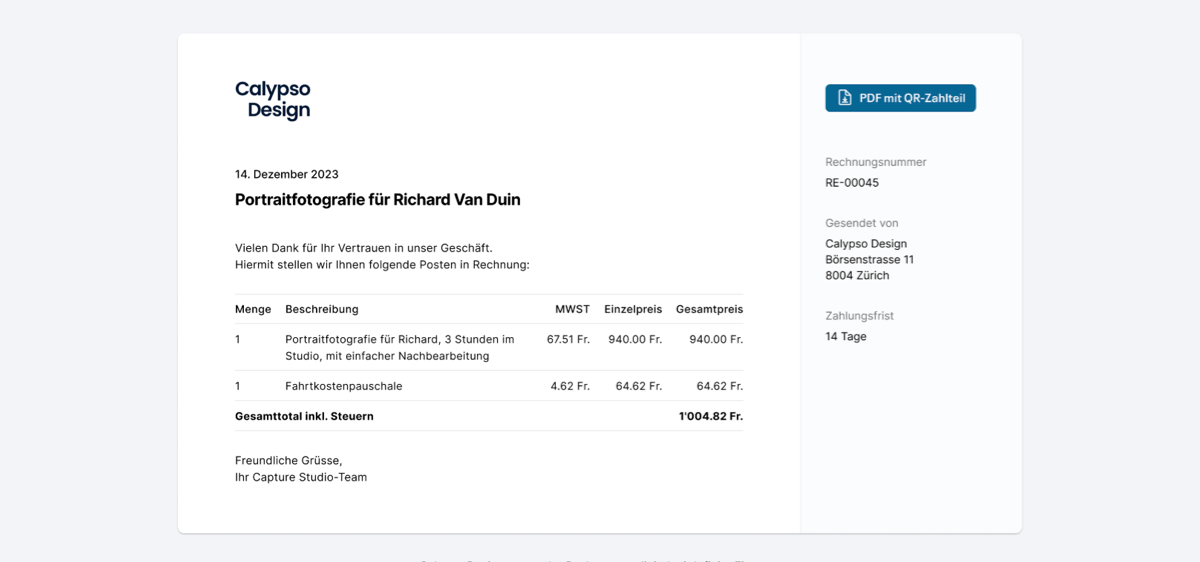
Neu gibt es in den Einstellungen unter "Buchungsverhalten" die Möglichkeit, dass Forderungen in CHF beim Erfassen automatisch auf die nächsten 5 Rappen gerundet werden.
Die Rundungsdifferenz wird auf das Systemkonto für Rundungsdifferenzen gebucht.
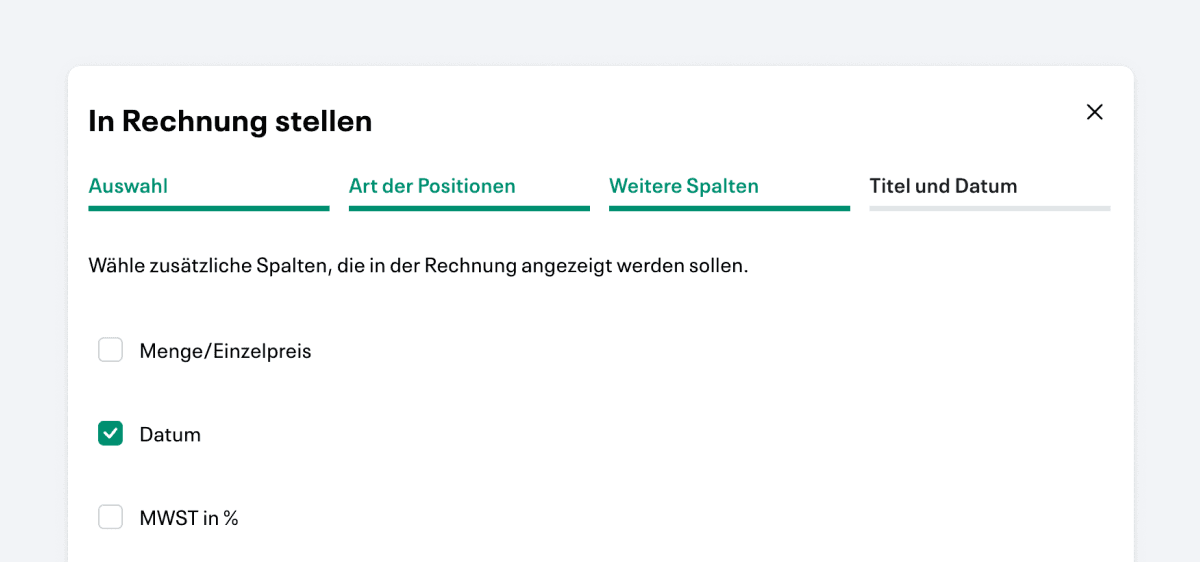
From now on, a column can be inserted in receivables, which indicates the date on which benefits were entered.
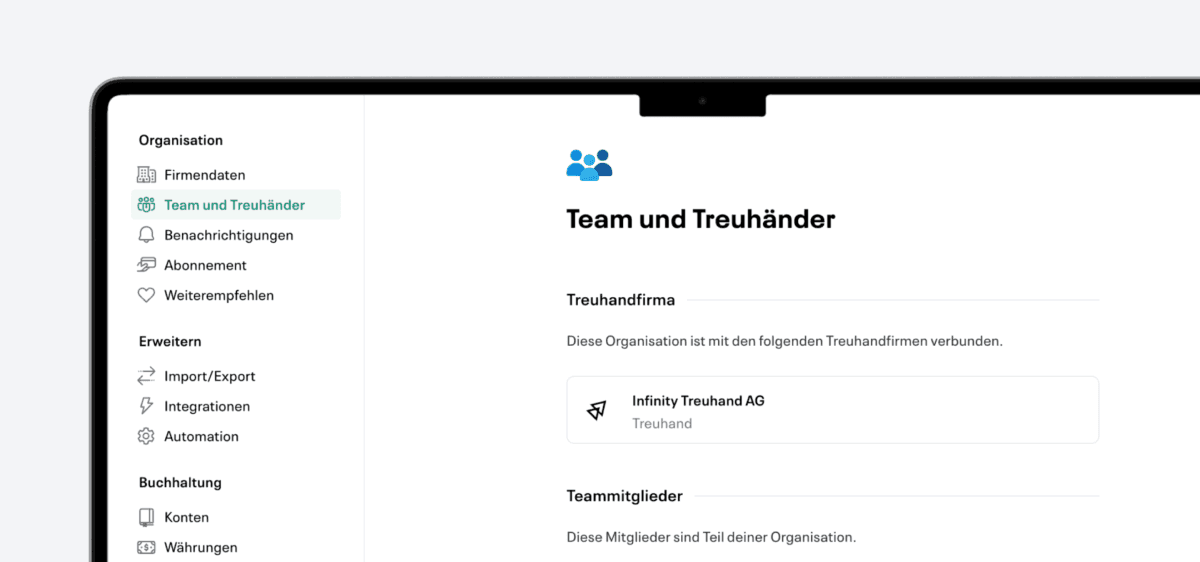
Trust companies can now more easily give all employees access to their clients' accounts. As a result, there is now no limit to the number of connections for trustees to a company.
Keep a central overview of all payroll tasks. With the new overview, you can immediately see what is pending and what is done.
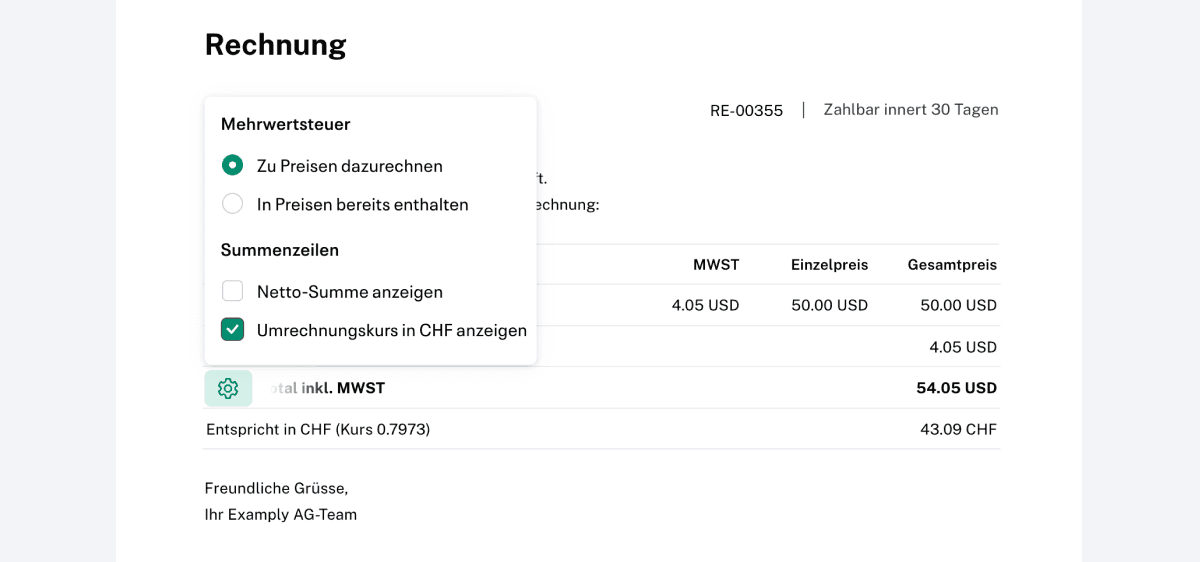
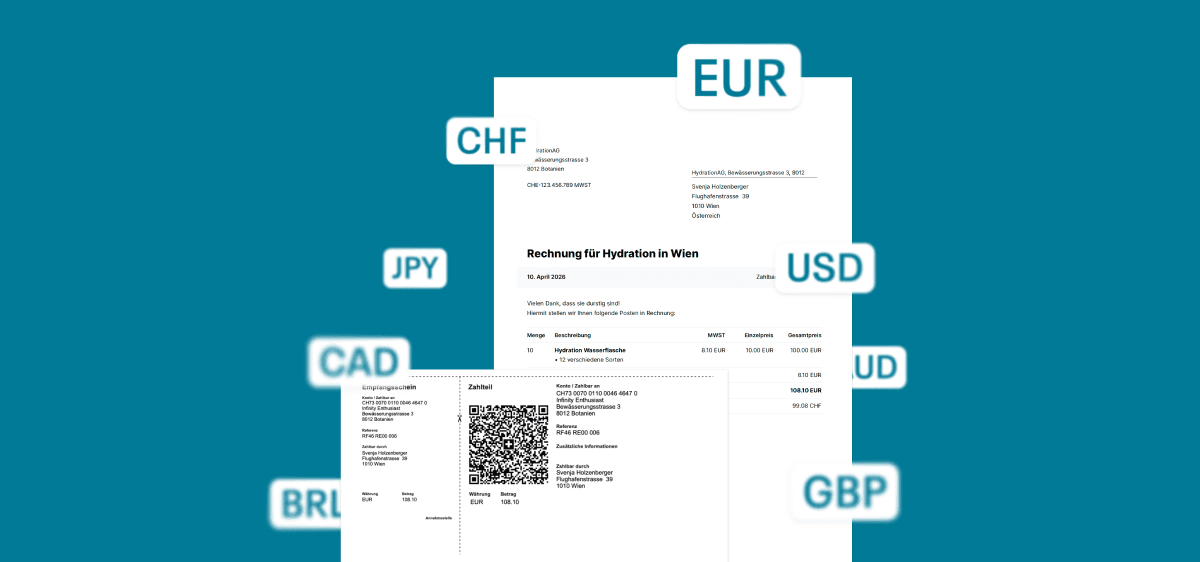
Create your customer invoices now also in EUR, USD & Co.
The conversion into CHF is automatic and is recorded cleanly.
Neu können in Infinity Business für User Rollen definiert werden, die den Zugang auf bestimmte Bereiche von Infinty beschränken. So kann etwa ein Mitarbeiter Belege hochladen und scannen, ohne Zugang zur weiteren Buchhaltung zu haben. Damit können auch Personen mit Infinity arbeiten, die keine Berechtigung zur Einsicht und Handhabung der Buchhaltung haben.
Vergleiche zwischen verschiedenen Geschäftsjahren sind nun für Bilanz und Erfolgsrechnung auch im PDF-Format möglich.
Mit dem neuen Model für Live Accounting wird die Qualität nochmals verbessert. Neu können Live Capture Scans mit einem stärkeren Model neu versucht werden, dass noch mehr nachdenkt.
Kontoblatt, Journal, offene Posten und Kontenplan können neu auch als Excel-Datei exportiert werden.
Suchbegriffe werden direkt im Text hervorgehoben, Inhalte auch bei Tippfehlern gefunden. Mehrere Filter können gleichzeitig gesetzt und einfach gewechselt werden.

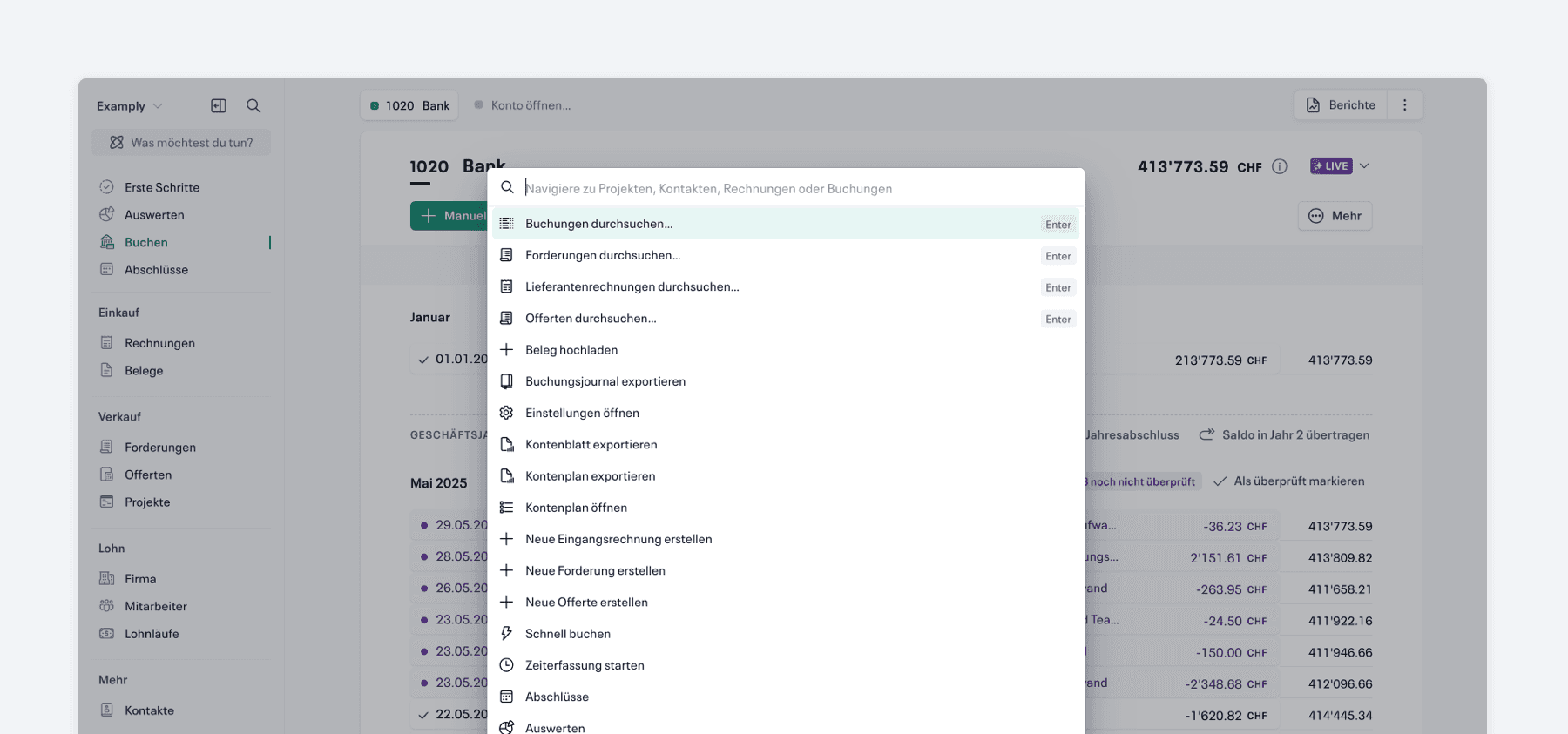
Schneller, zuverlässiger und aktionsfähig: Die neue Schnellsuche führt viele Aktionen direkt aus und passt vorgeschlagene Schnellaktionen kontextuell an.

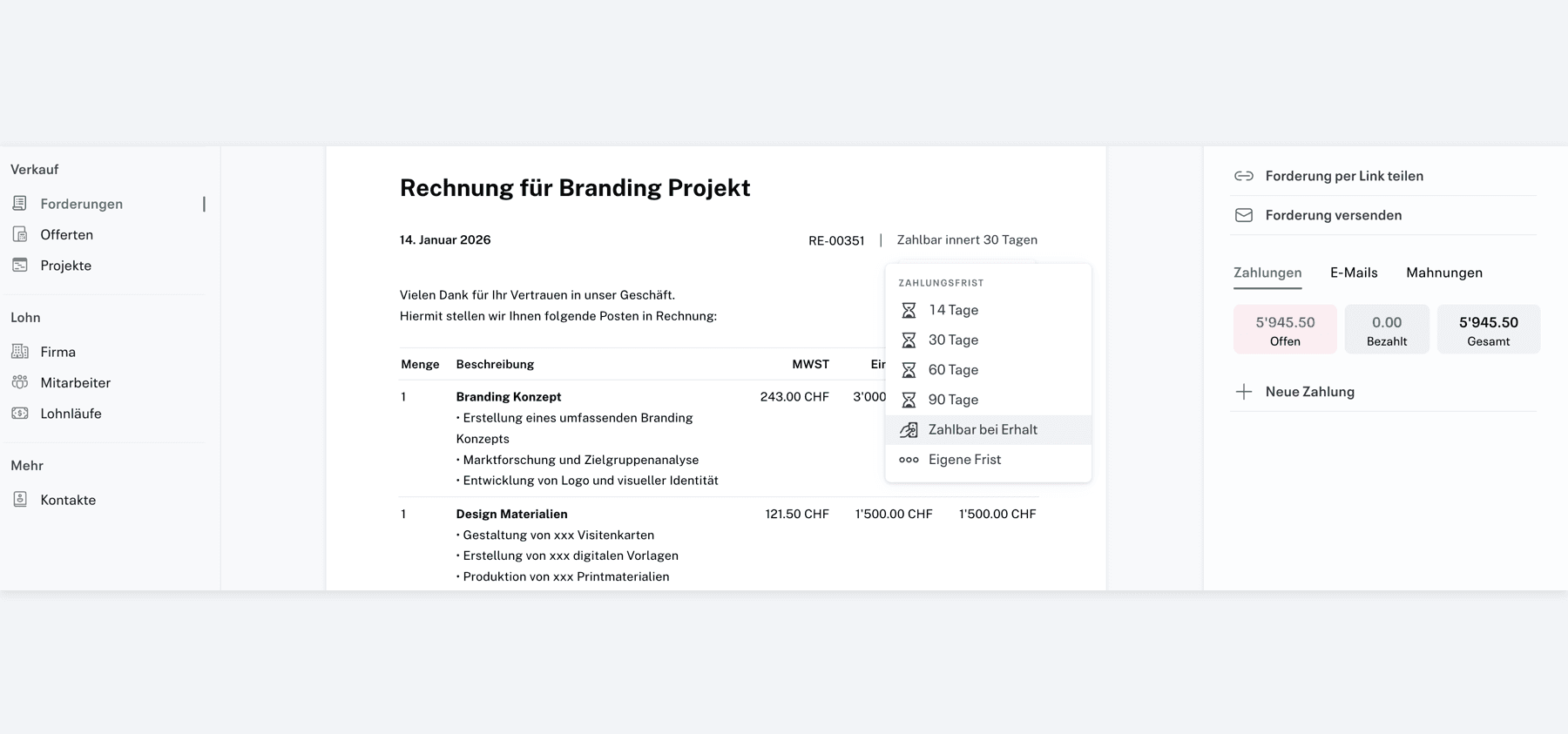
Für Forderungen, die direkt bezahlt werden sollen, kann neu die Zahlungsfrist „Zahlbar bei Erhalt“ gewählt werden.

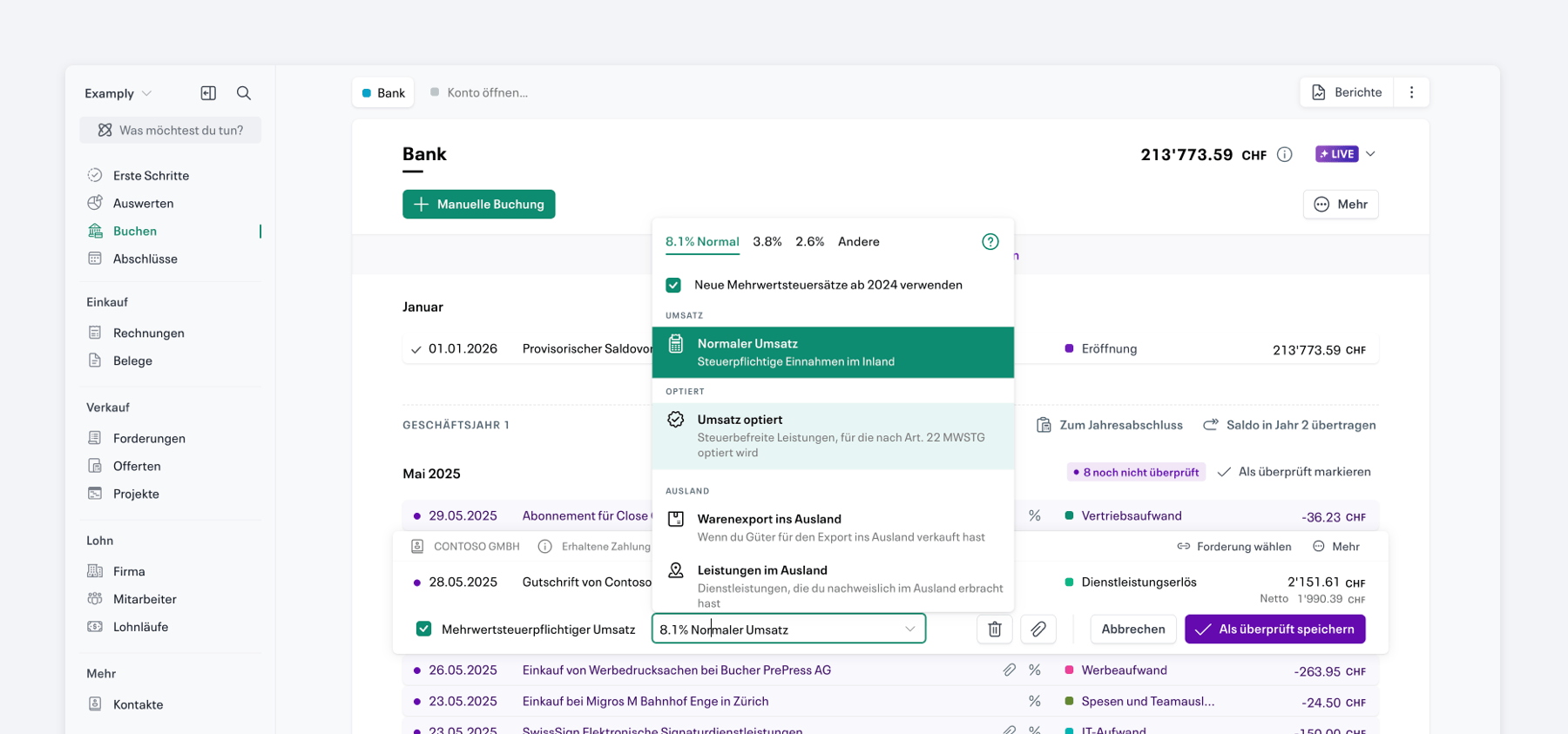
Optierte Mehrwertsteuer wird nun unterstützt und korrekt in der Buchhaltung berücksichtigt.
Accounts with a zero balance can now be hidden in the balance sheet and income statement PDFs. This provides a better overview. In addition, the currency is now specified in the PDFs.

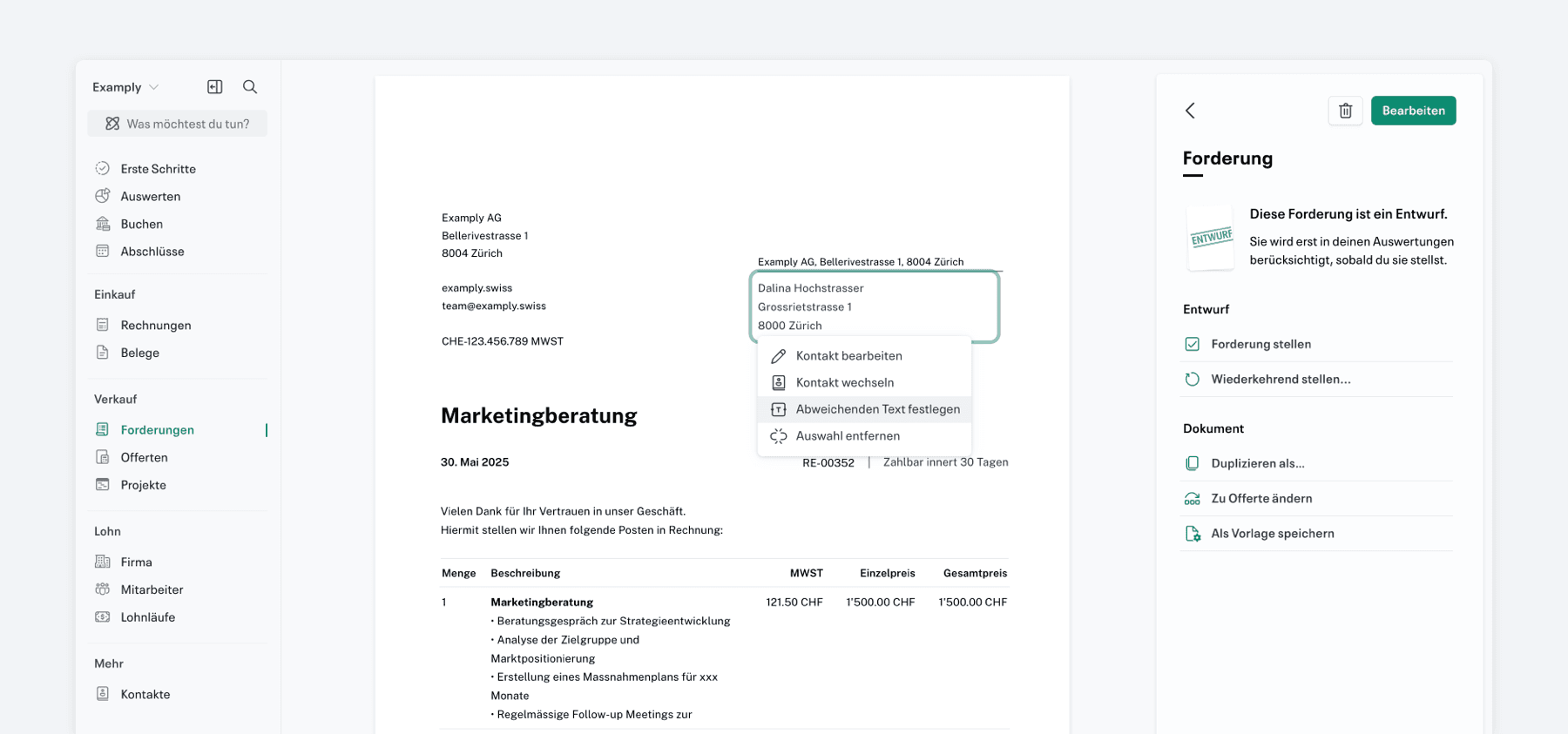
The address lines in offers and demands can now be individually adjusted as required if there are deviations from the information entered under “Contacts”.
Clicking with the middle mouse button will close new tabs within your accounting.

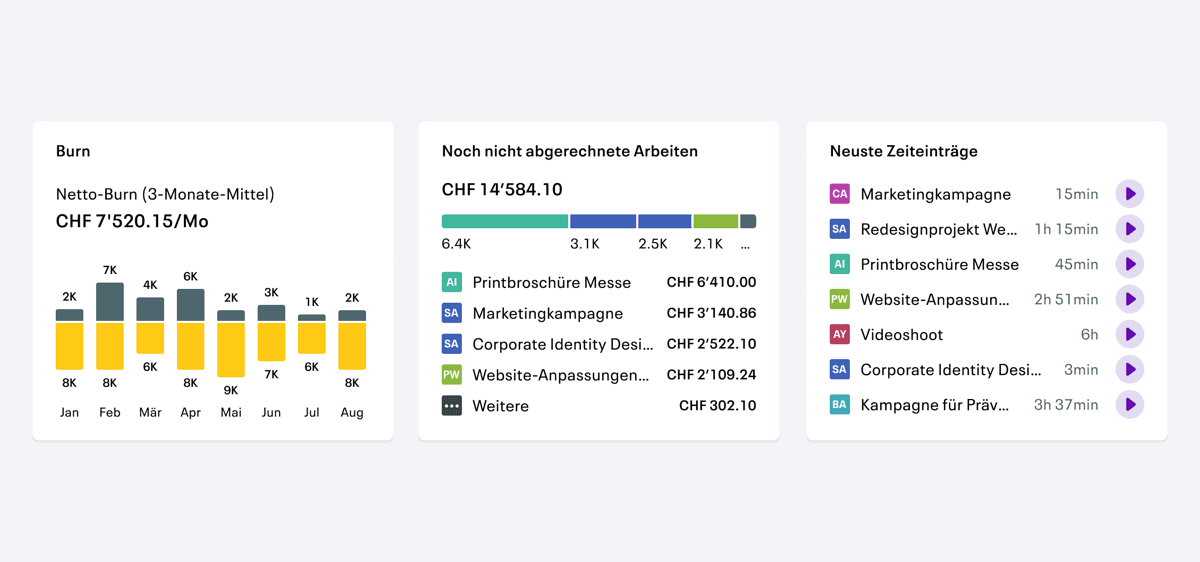
There is now a card showing your company's burn rate, outstanding benefit statements and recent time records.

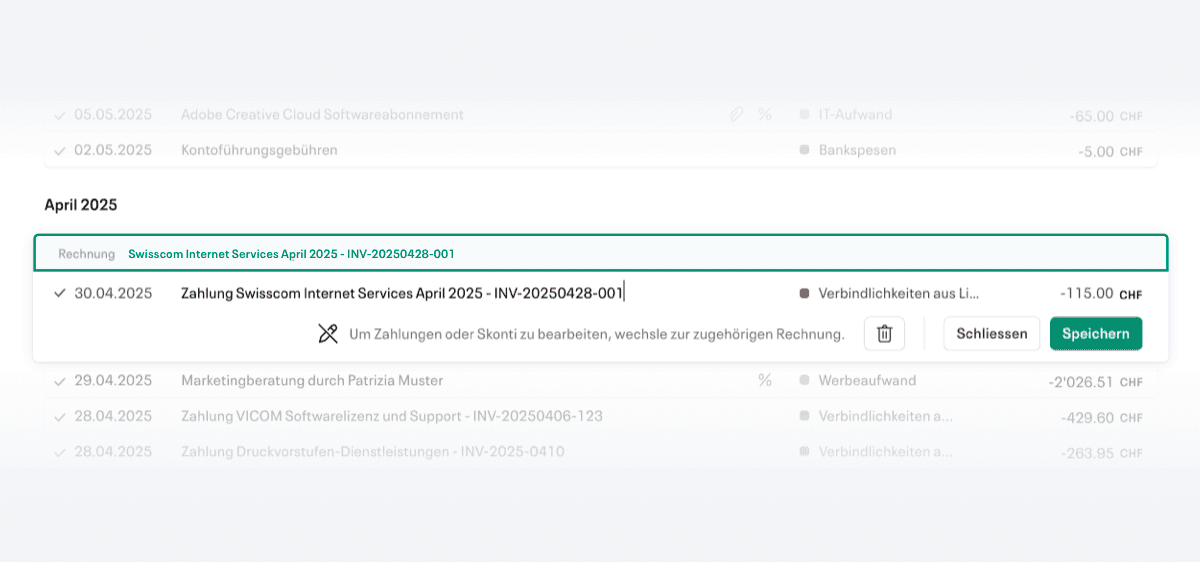
Transactions now display the associated invoice and link directly to it.

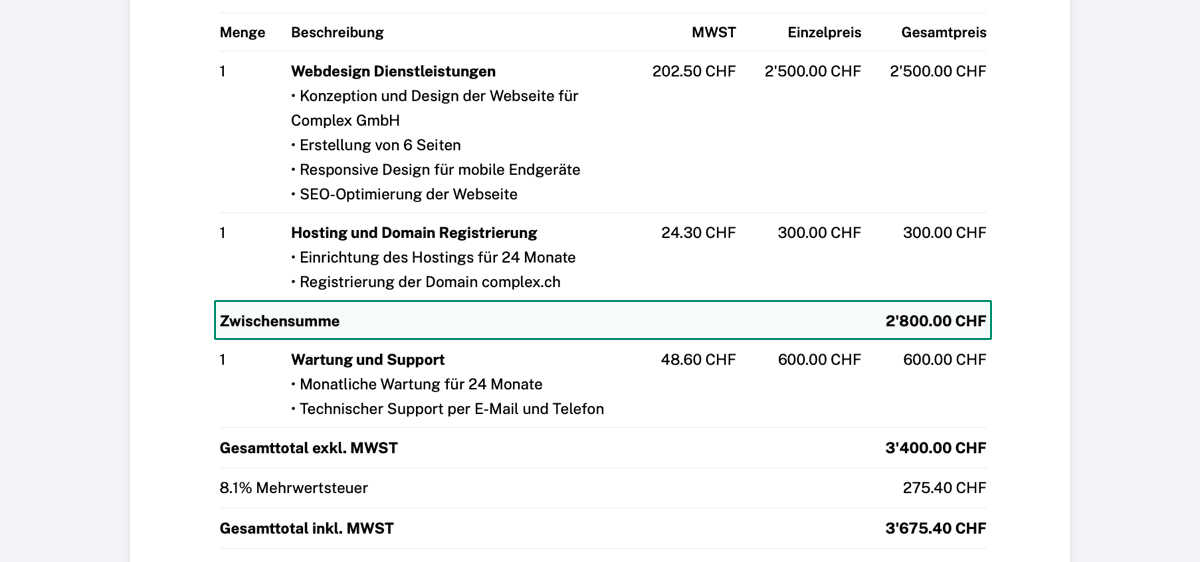
Subtotals can now also be included in receivables and offers to make them clearer
Products can now also be imported into Infinity as csv

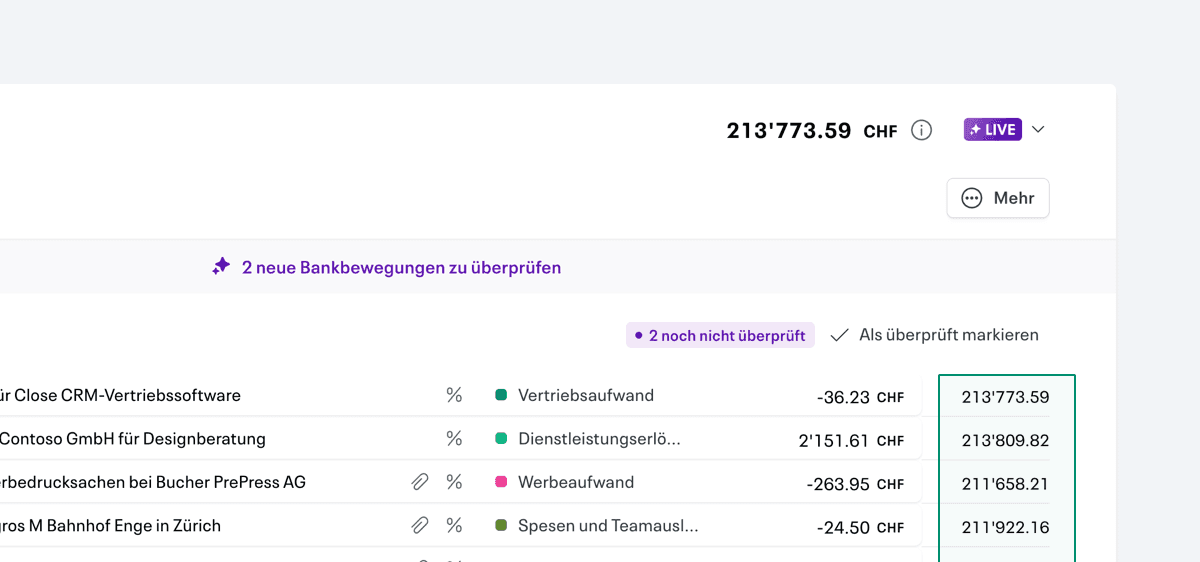
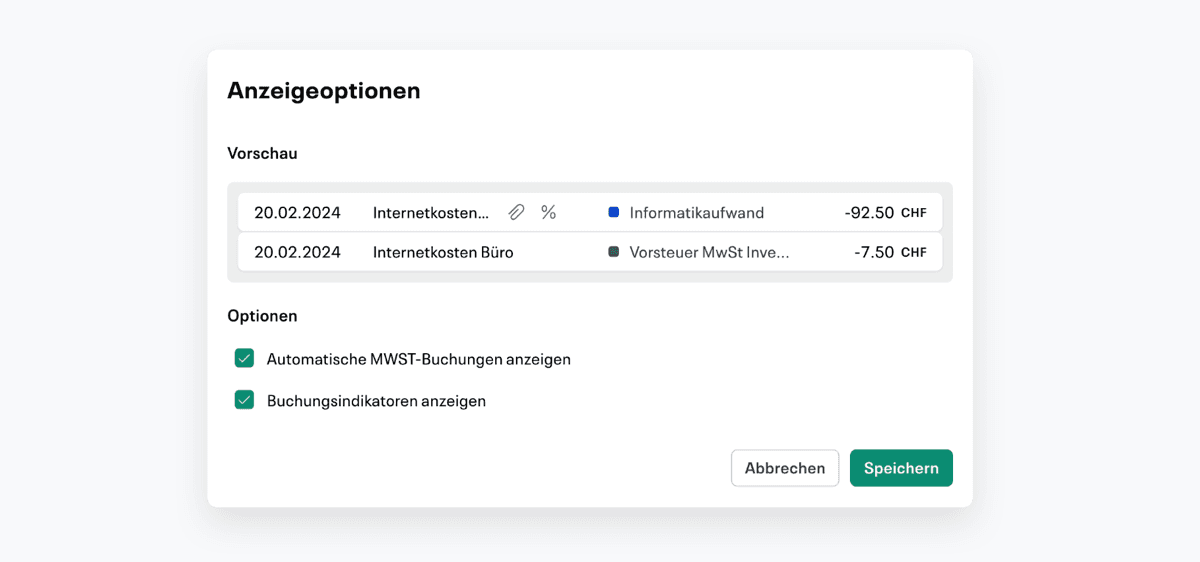
In the settings for displaying the booking tab, the option under “View account balance after each booking” can now be activated so that the current balance is displayed after each booking.

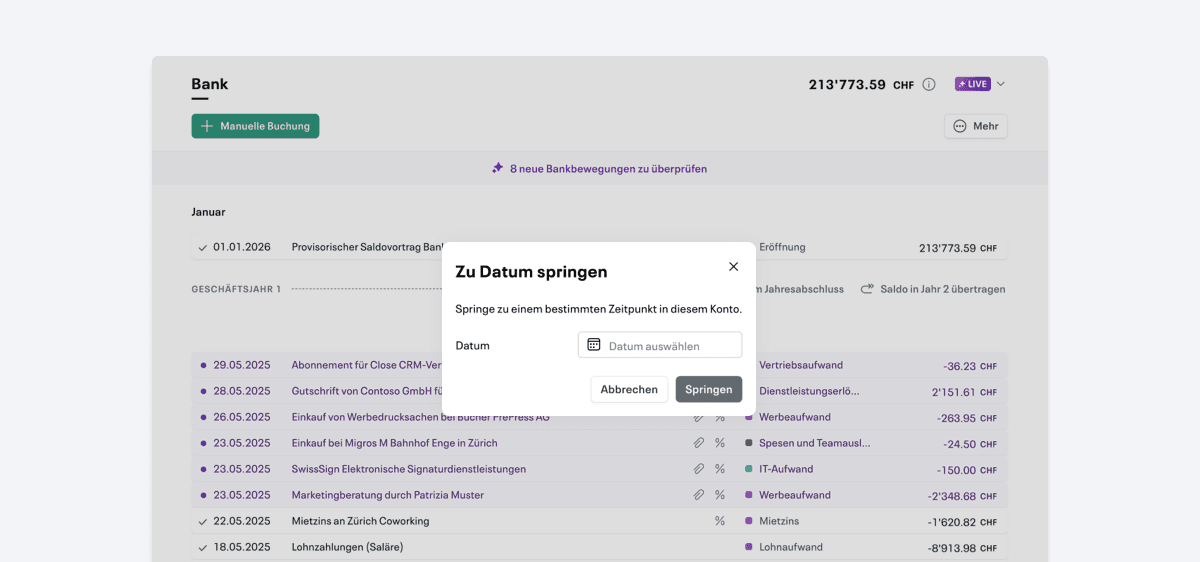
With the command Ctrl+J (Cmd+J for Mac), you can jump directly to the current date in the book tab.

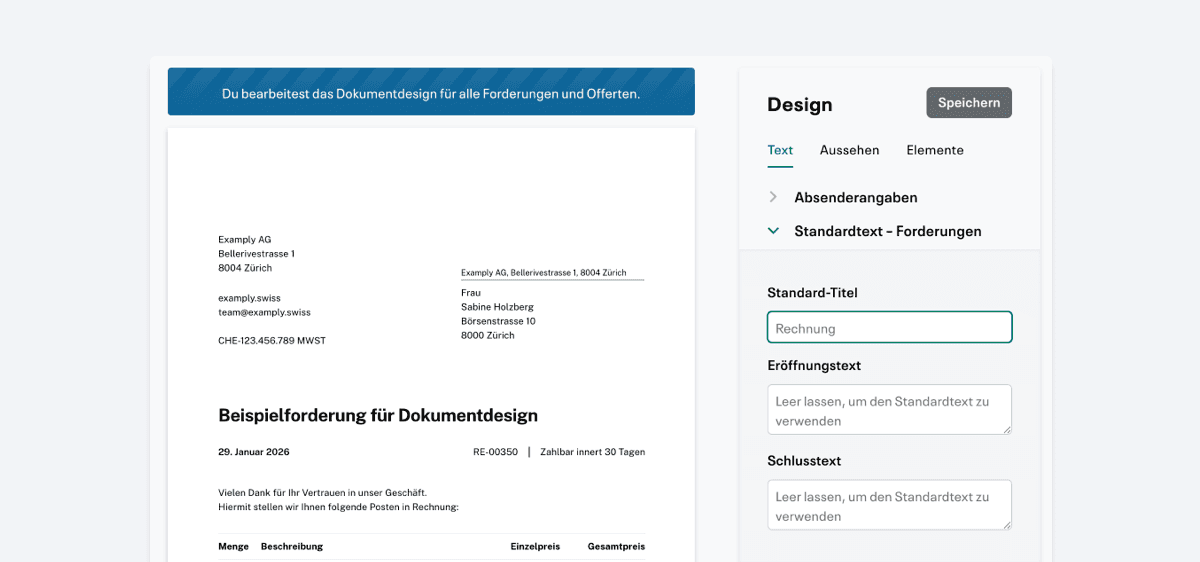
From now on, default titles for claims can be preset in the settings.
By various requests, more than two business years can now be open at the same time.
A preview of the conclusion of the income statement at the annual financial statements is now available.
Infinity now shows whether live payments have already been executed.

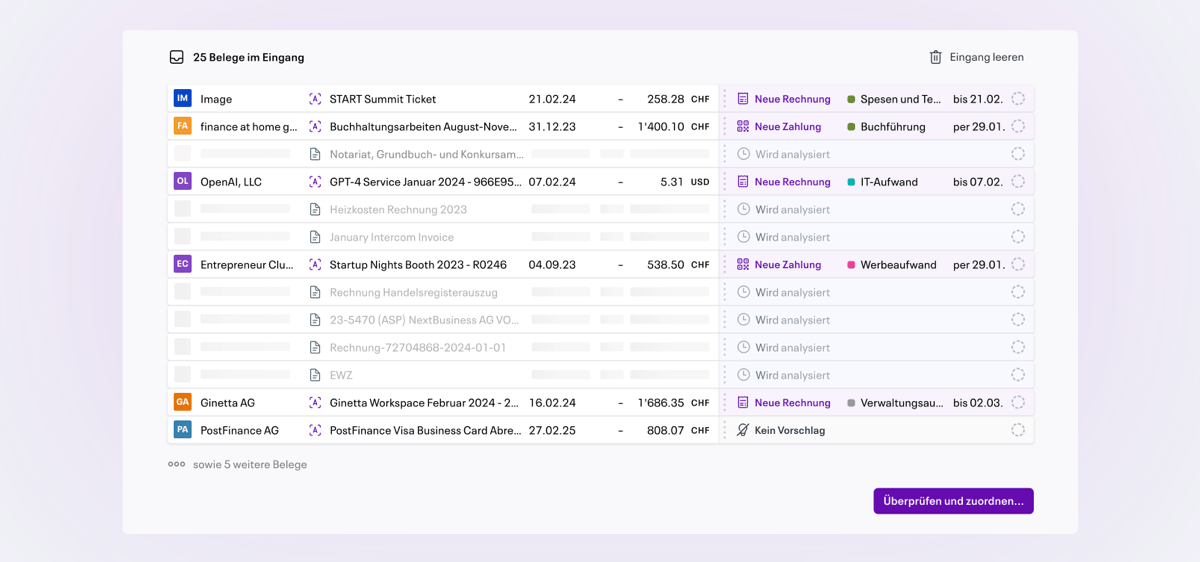
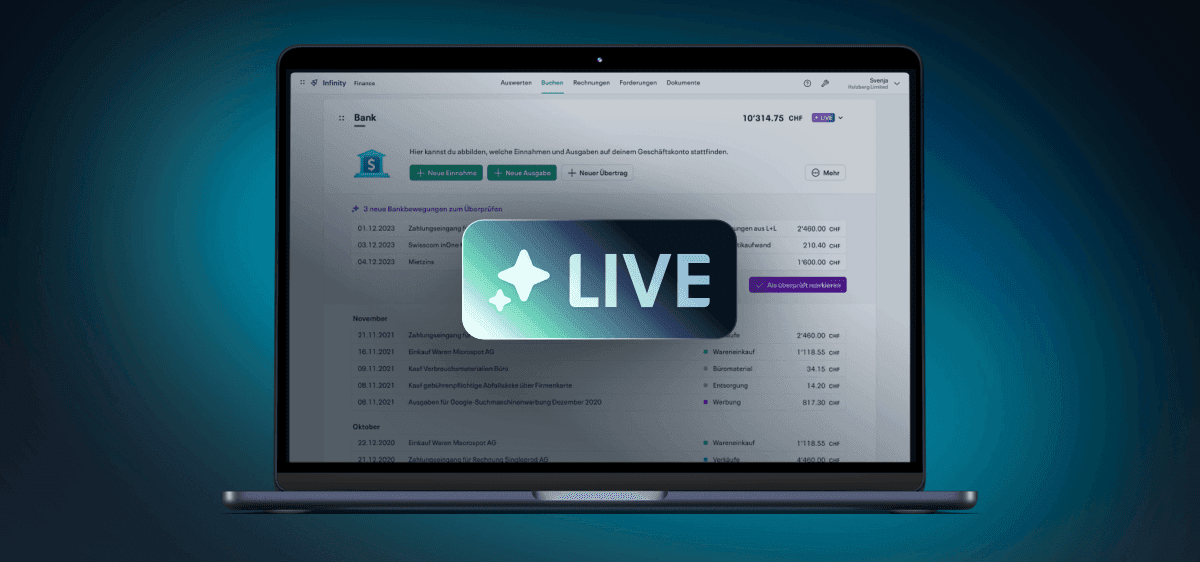
The new Live Capture is now available and takes another step forward. More options, a better overview and easier to use.
Customs invoices are now available as a tax type for VAT and can therefore be posted directly.

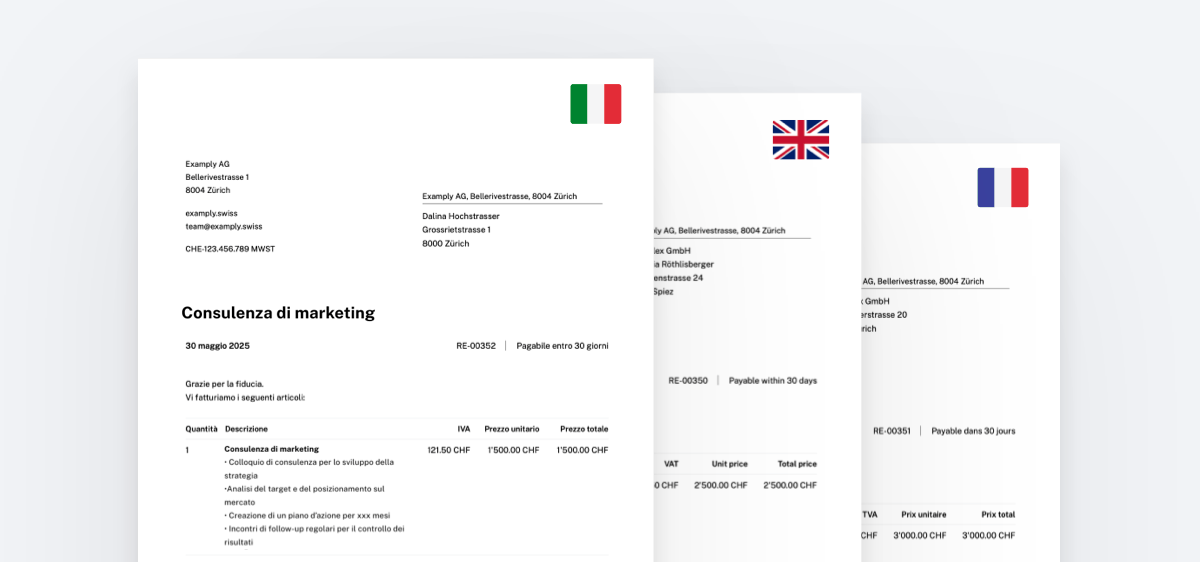
You can now also send your documents in French, Italian and English.

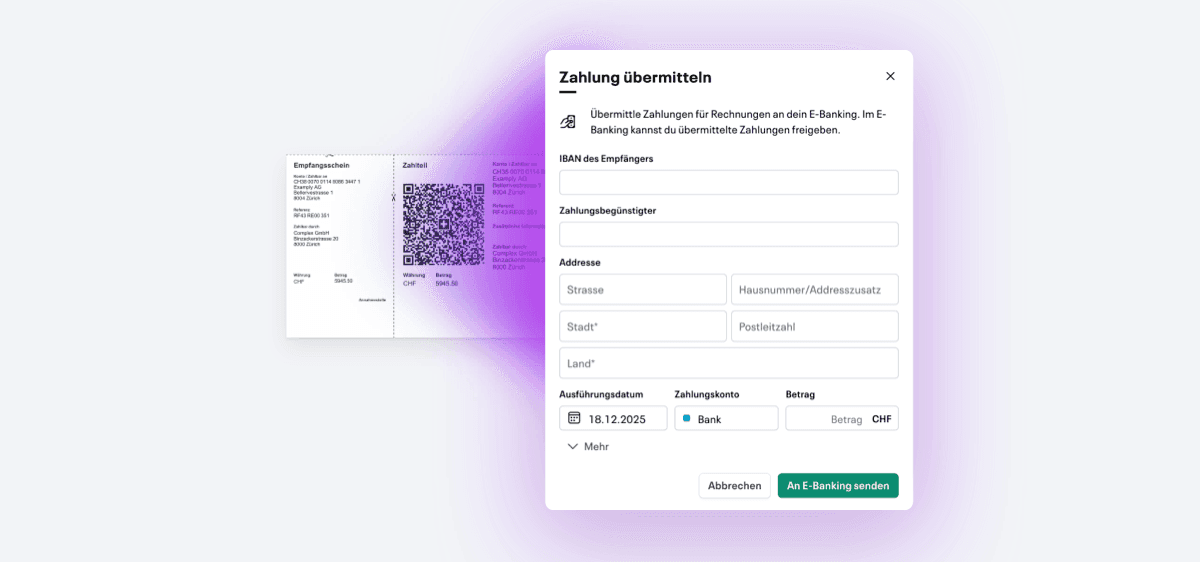
Live payment is available to all users. This allows you to transfer payments directly to your e-banking and just need to confirm them briefly.

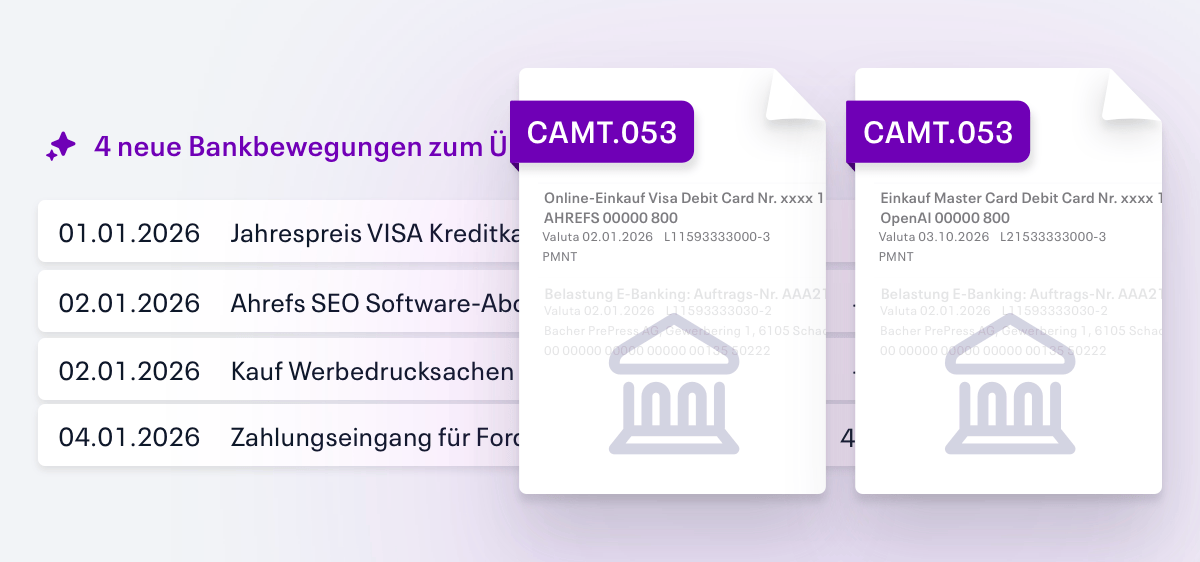
Several CAMT files can now be uploaded at once. Ideal for banks that do not yet support open banking for business customers.
Live capture usage can now be purchased in advance as volume packages — for greater flexibility, better predictability and up to 40% cheaper.

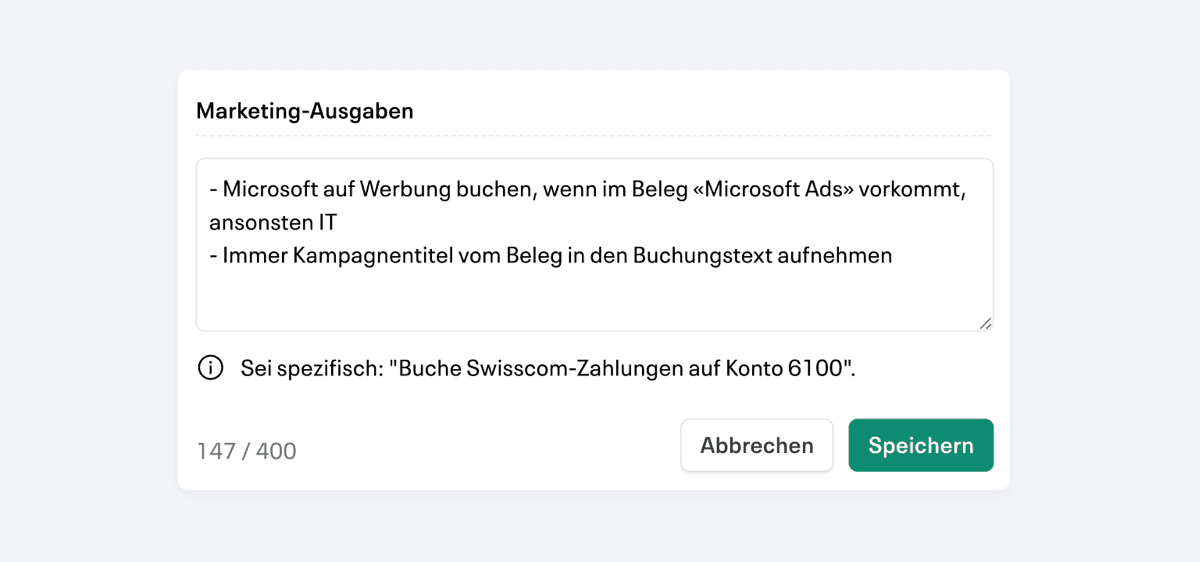
You can now define individual instructions to manage live accounting in a targeted manner and receive better booking suggestions. You can find more information about this here: Your own instructions.
The setup now has the legal form ”club” available, including suitable basic settings for accounting and VAT.

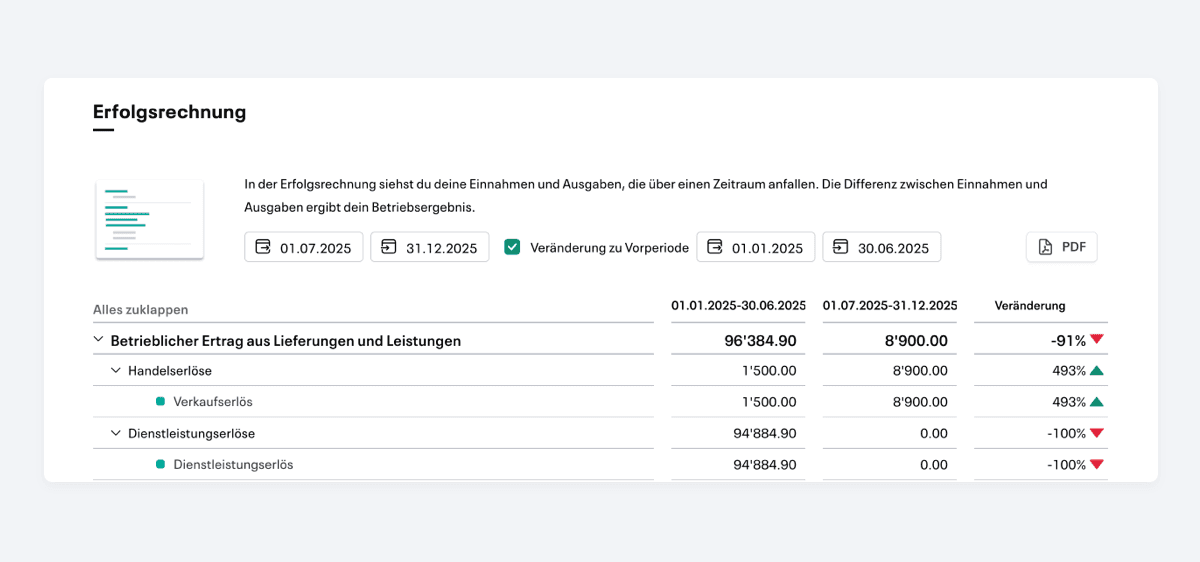
Die Erfolgsrechnung ermöglicht jetzt den Vergleich mit der Vorperiode. So erkennst du Entwicklungen und Veränderungen auf einen Blick.

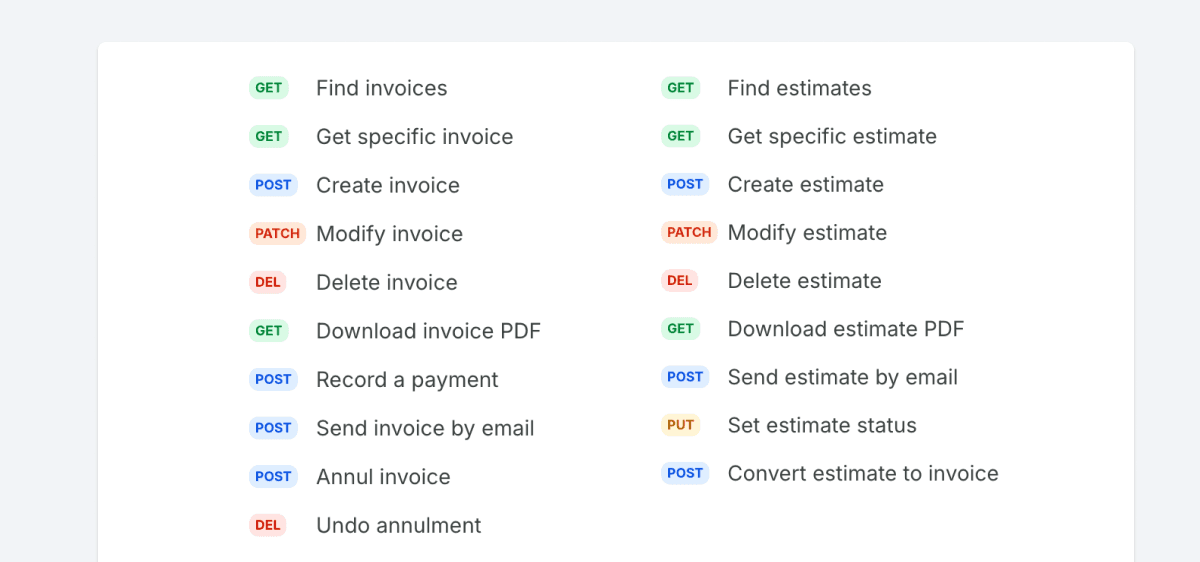
The Infinity API is now available and currently supports contacts and bookings for initial integrations and automations. You can find the API documentation here: API documentation.
You can now click on the live accounting details directly in a transaction and view all related information in full.

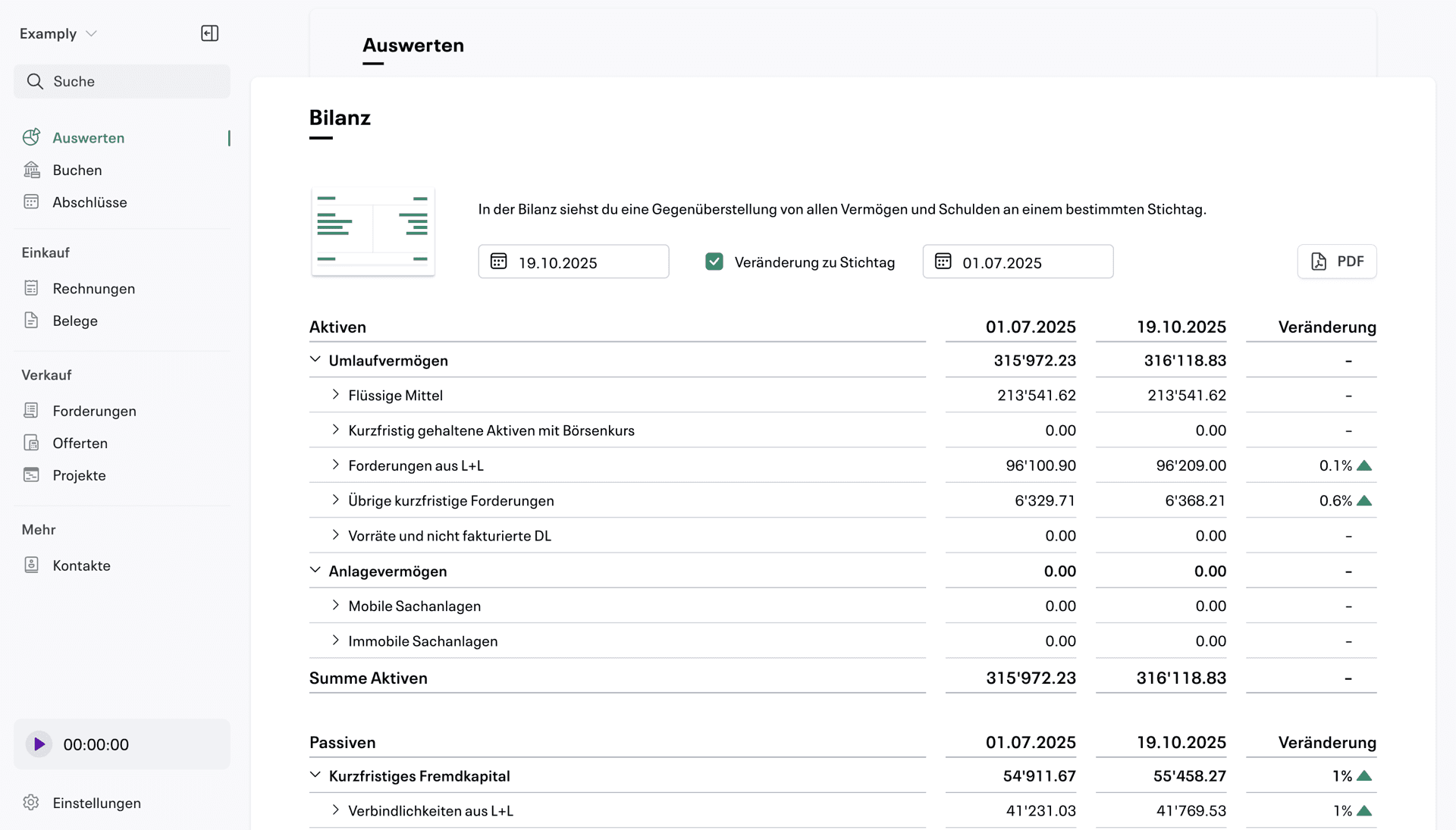
You can now compare the current balance sheet with any key date. The relative change is also shown.
With the new update, live accounting is significantly more reliable.

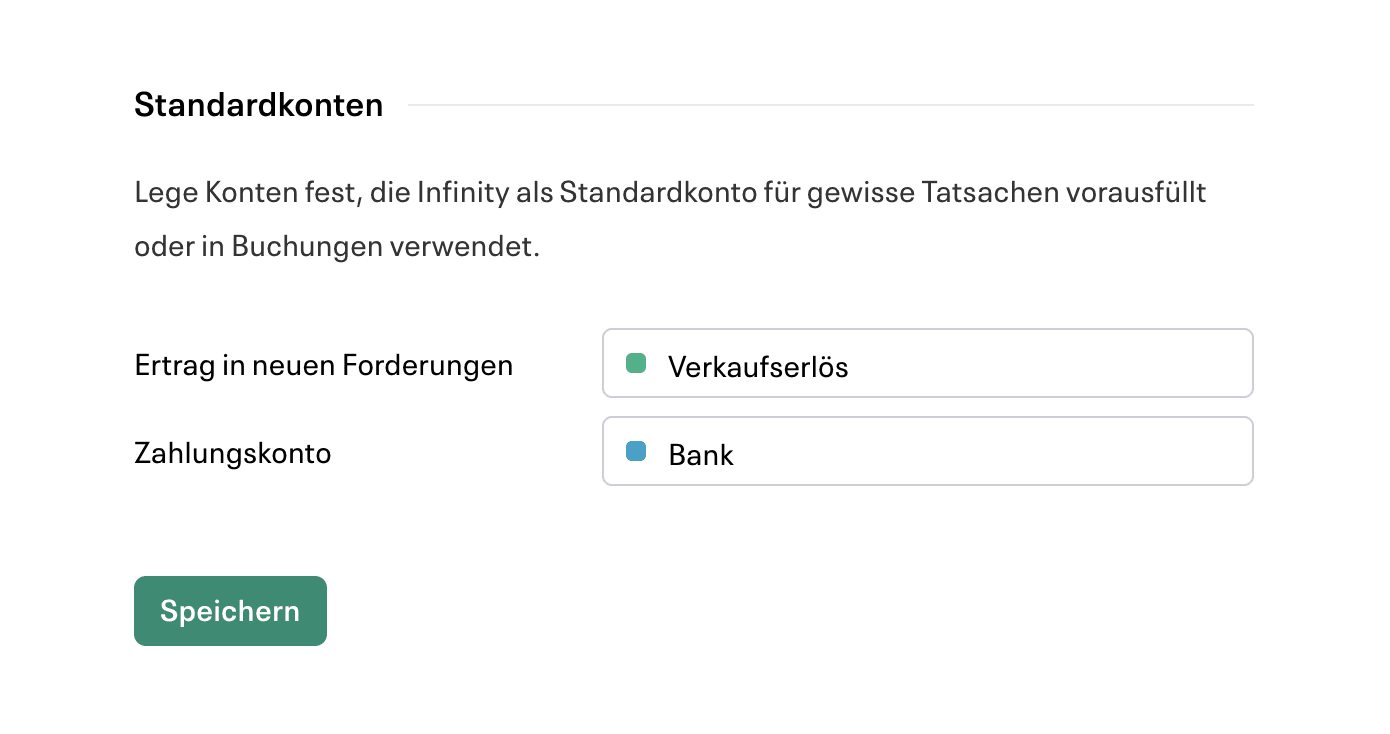
In den Einstellungen kannst du unter “Konten” auswählen, welches Konto bei Erträgen aus Forderungen und Zahlungen standardmässig vorausgefüllt oder in Buchungen verwendet werden soll.

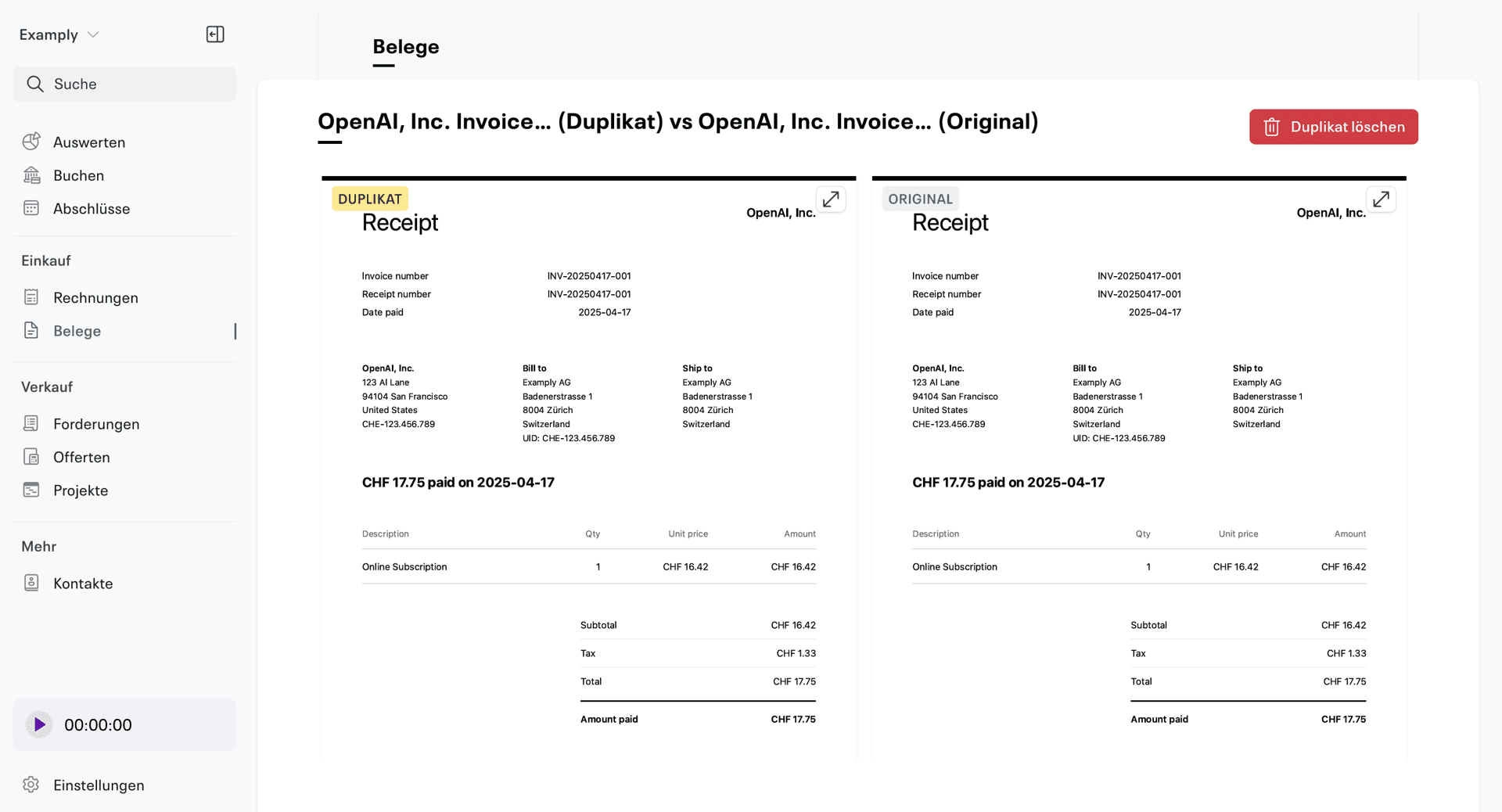
When you upload a receipt that already exists, Infinity immediately discovers and marks the duplicate.
If you click on the warning message, you can directly compare the duplicate and original. This allows you to immediately decide whether you can securely delete the duplicate.

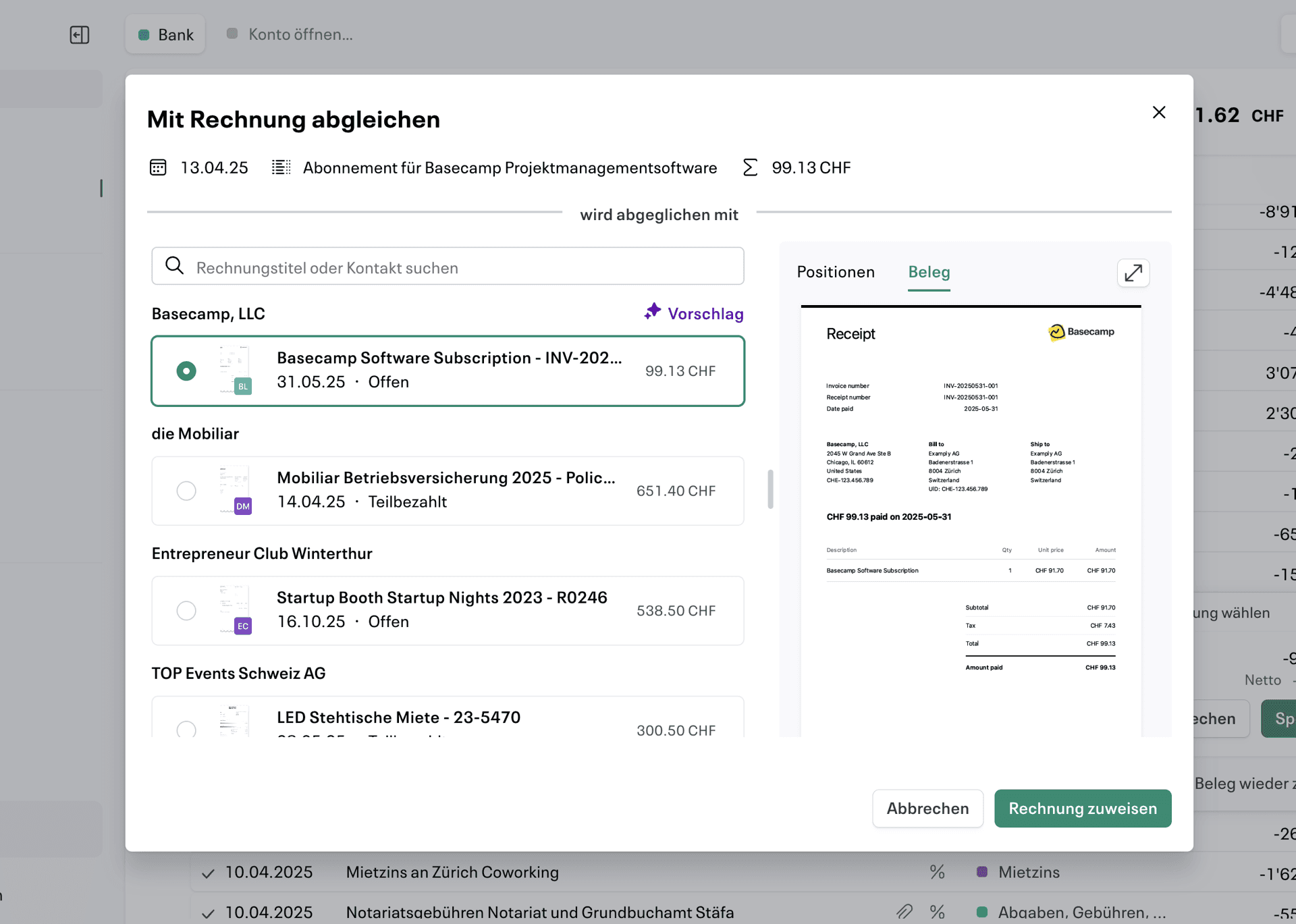
We have completely redesigned the entire process for assigning bank transactions to invoices. It is now much more reliable, shows detailed previews, and can display intelligent suggestions.
At the various requests of our users, the automatic recording of invoice overpayments is now also supported.

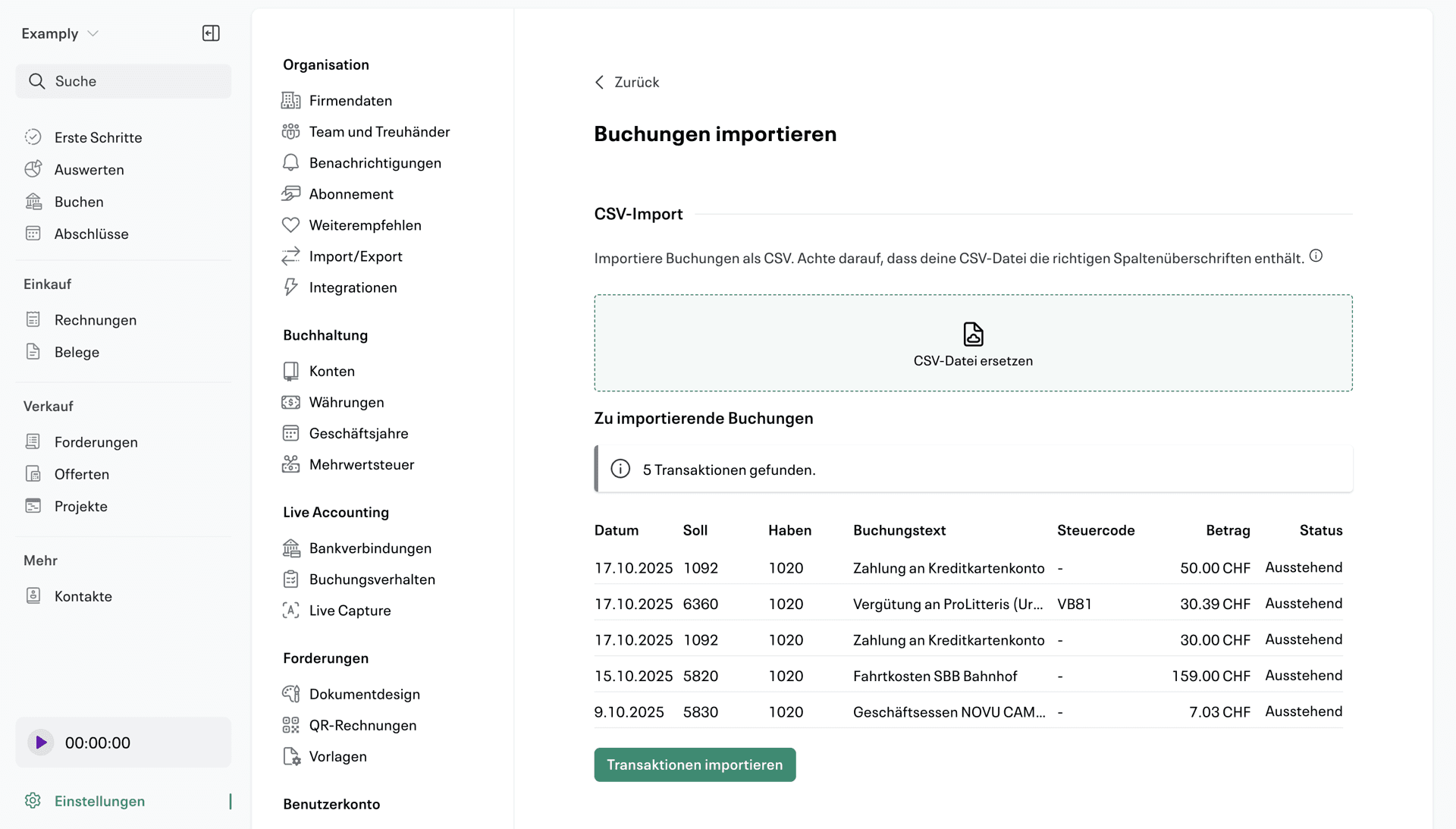
You can import new transactions directly in CSV format. This allows Infinity to process Excel spreadsheets or transactions directly from tools such as Banana.
We have improved recognition in email imports via @inbox .infinity.swiss. It is now smarter at filtering out unwanted attachments, such as logos.
In addition to demands from customers, you can now also view the email history of offers.

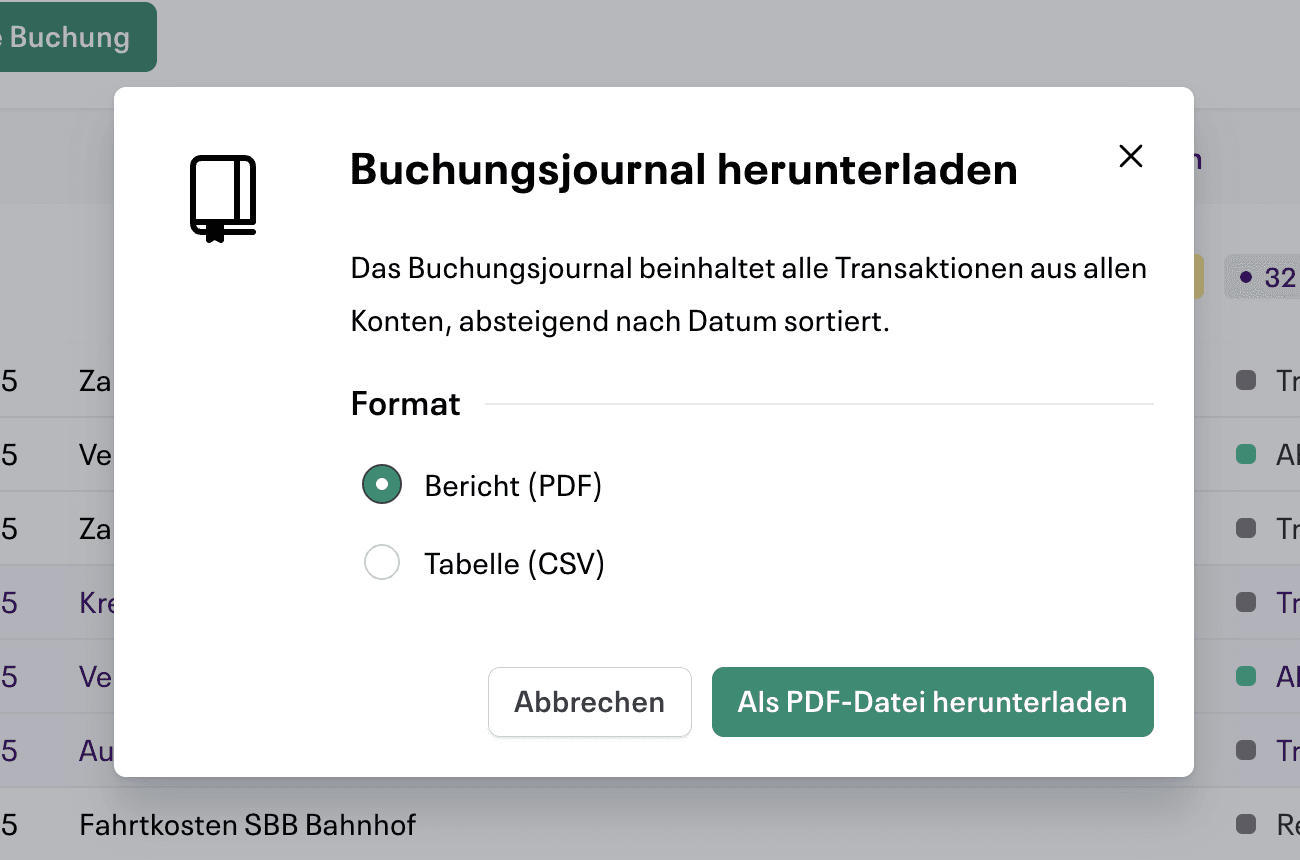
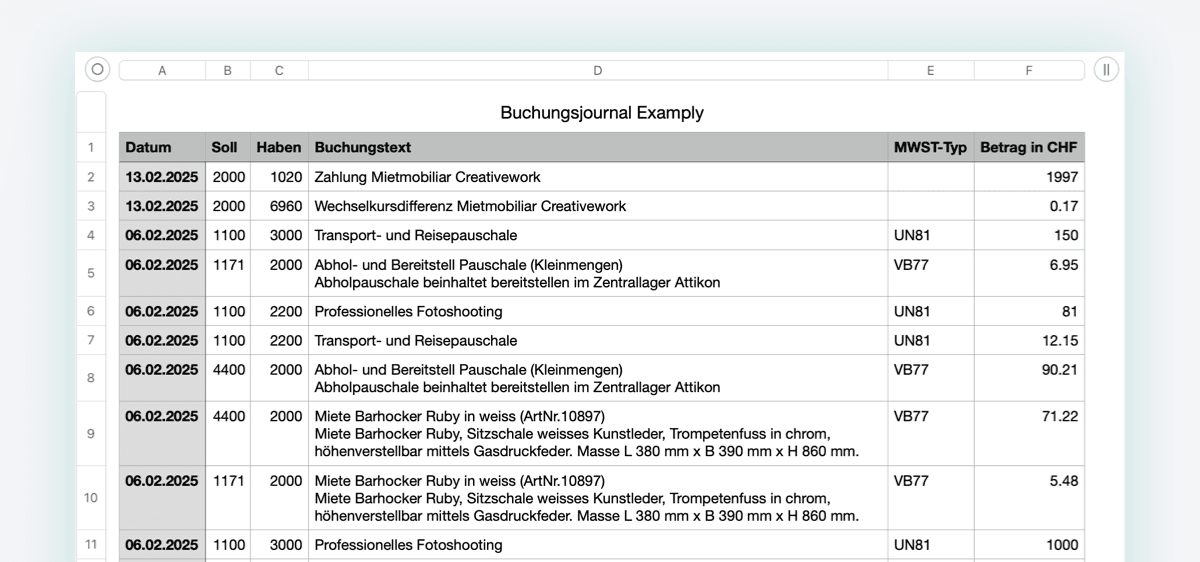
Often requested and now implemented: The accounting journal can be downloaded in PDF format. The reports can be filtered according to specific time periods.
If you like Infinity, you can now recommend it to a friend. For every successful referral, we give you two free months for your subscription.

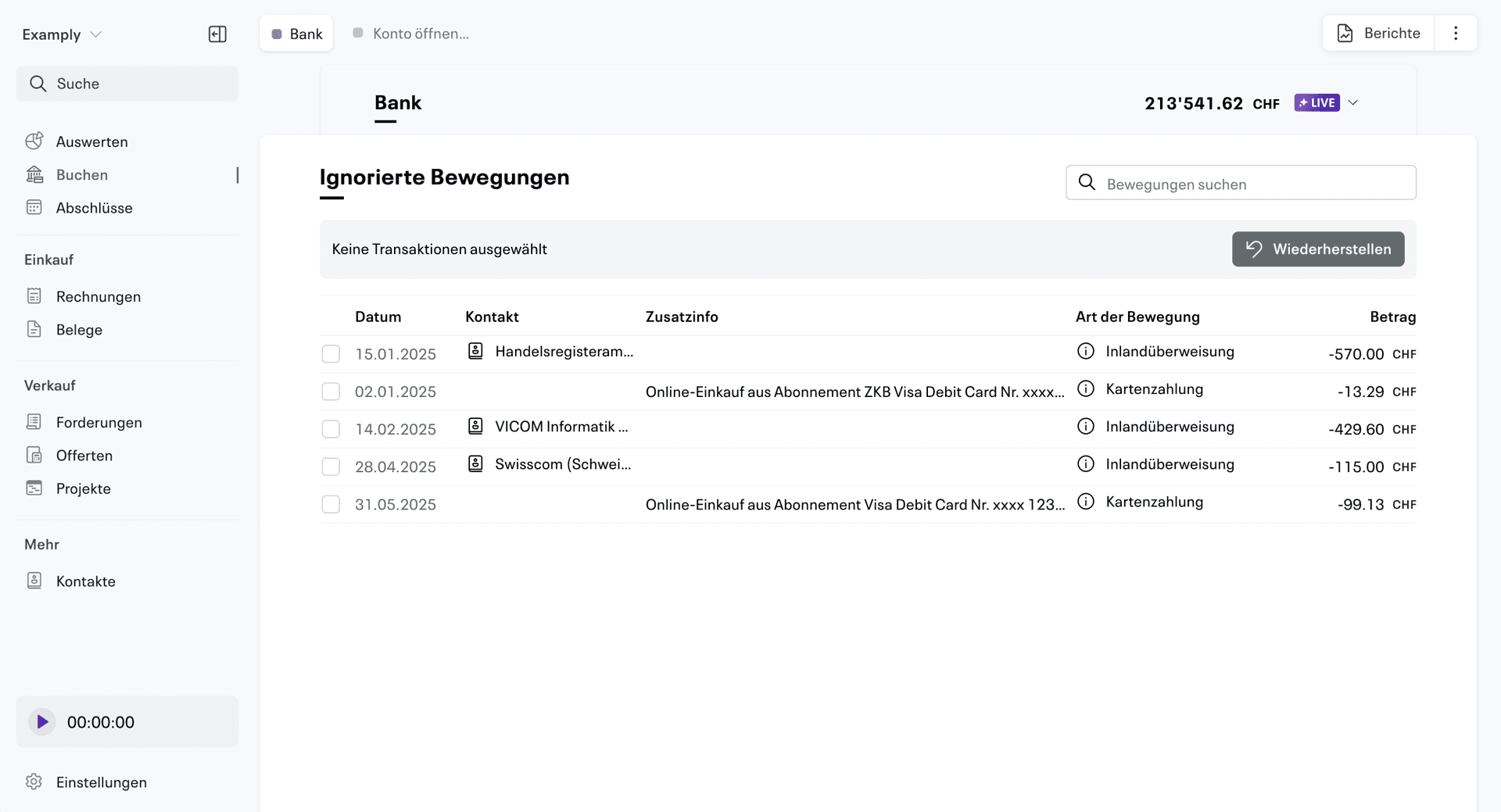
Deleted bank transactions can be restored in the Live Accounting menu > Ignored transactions. This makes it easy to see which imported transactions have been deleted and can undo them if necessary.

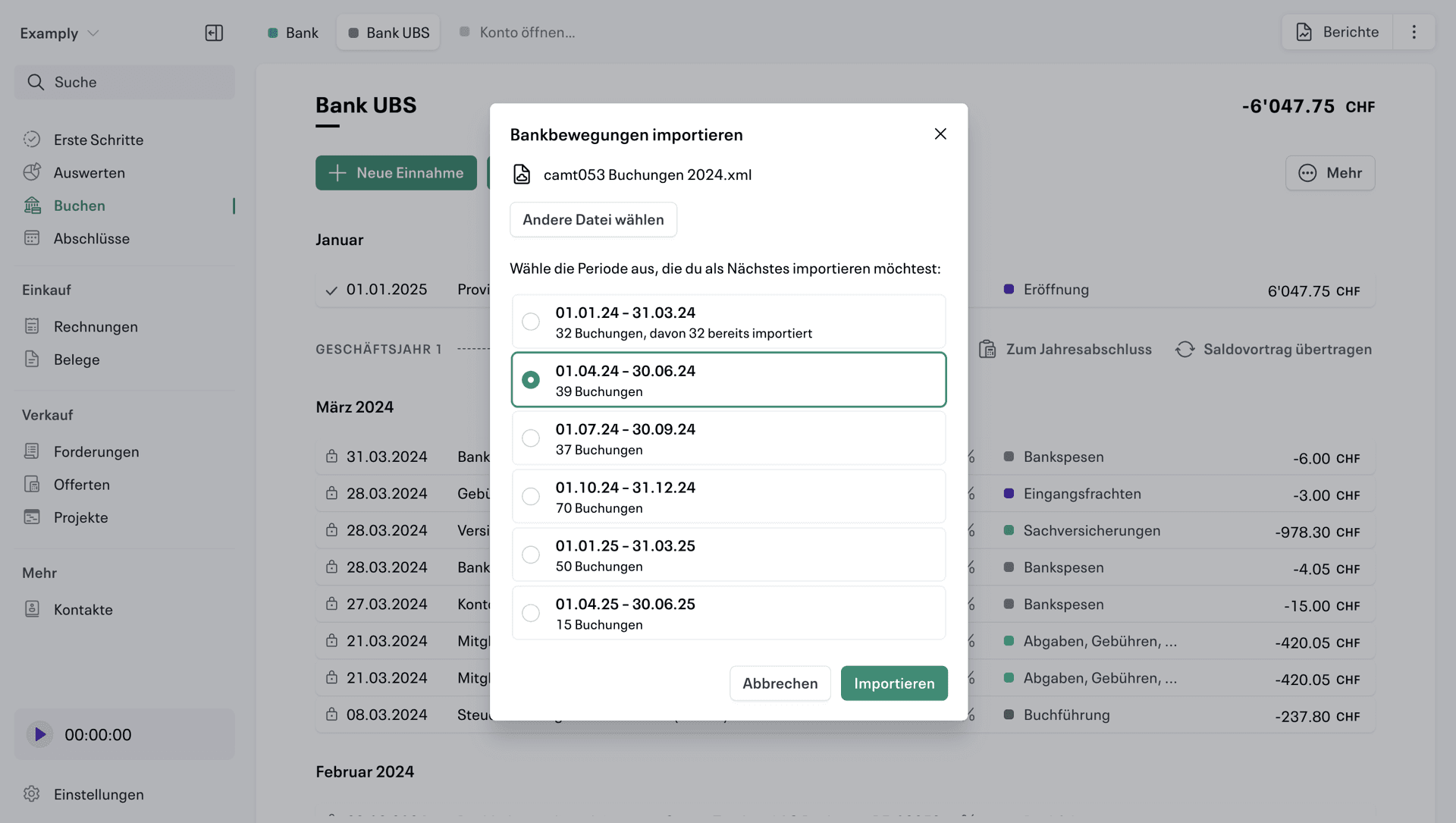
We have improved the manual import of camt.053 transactions based on feedback from beta users.
The new import feature can now split longer files into different periods, making it easier to import longer periods and look through them one by one. Import reliability has also been improved in this context.
The improved keyboard navigation helps both power users and people with visual disabilities find their way around more easily.
The overview of VAT reports has been redesigned into a list view, making it easier to find a specific quarter. In addition, the new menu at the top right of the booking journal allows Quick Commit to be opened more quickly.

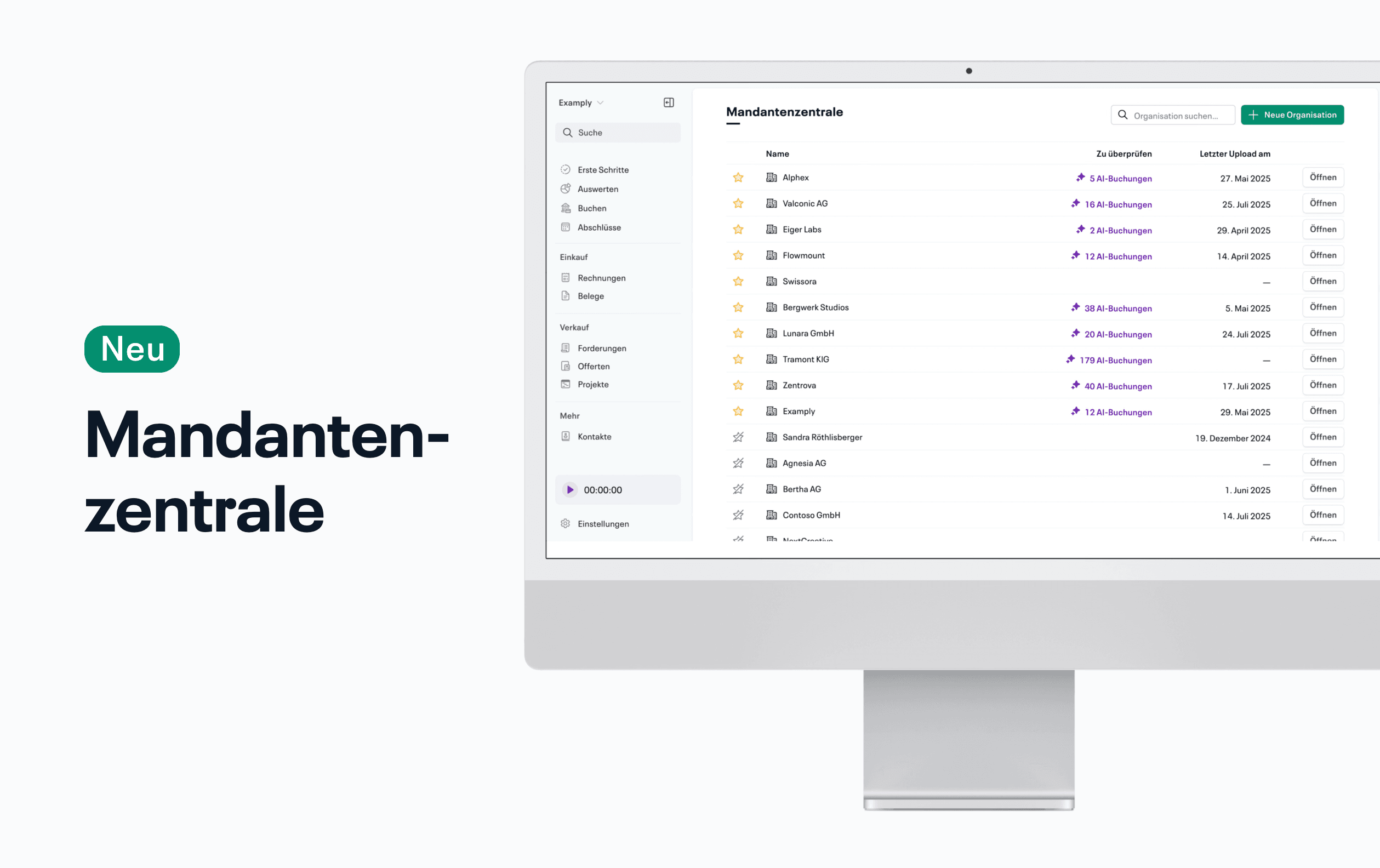
With the new client center in Infinity, the overview of many organizations is significantly simplified, especially for trustees.

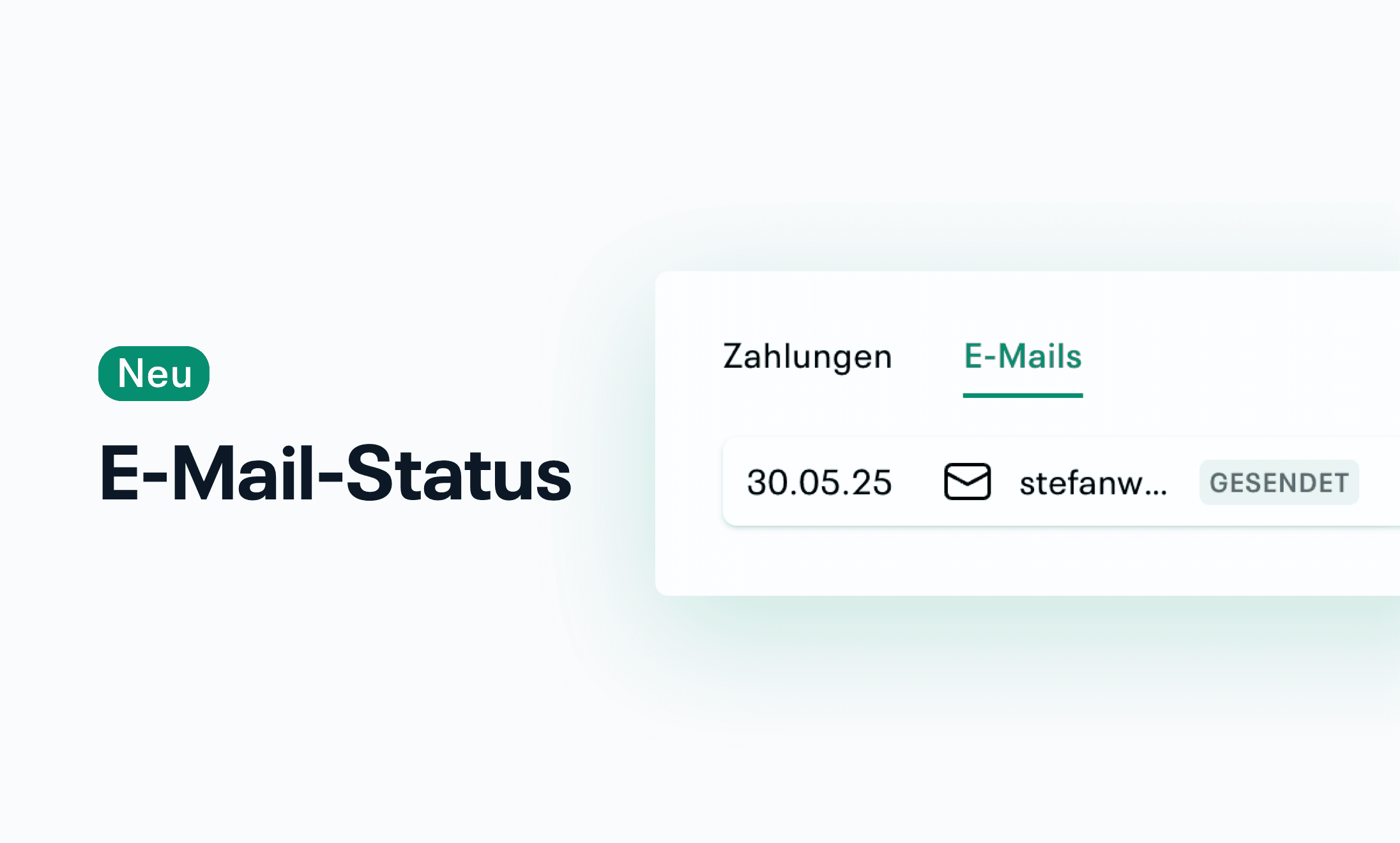
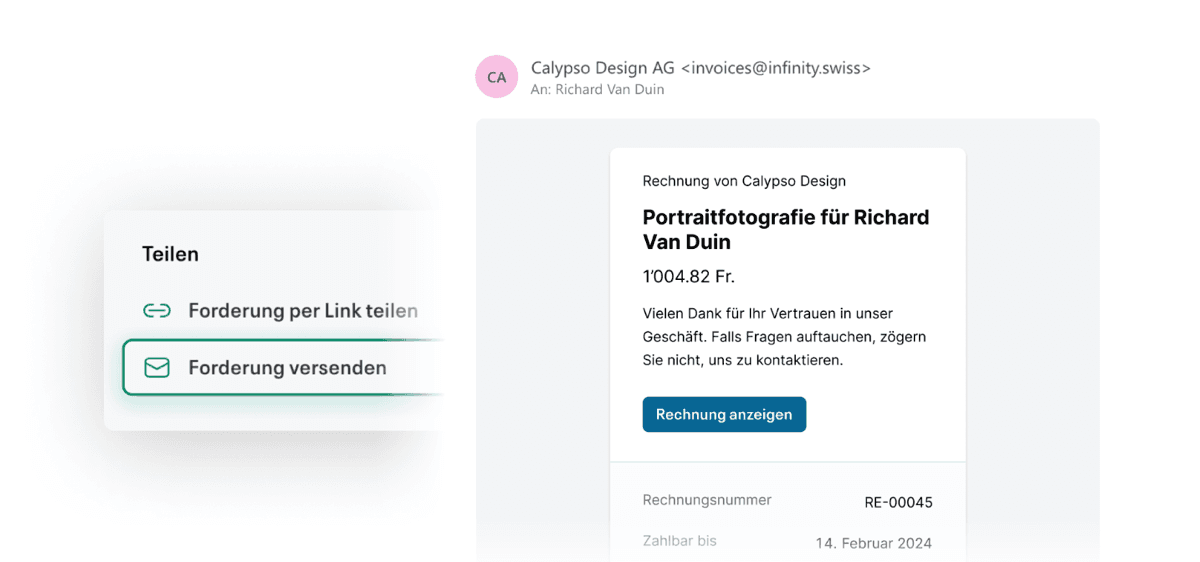
When you use Infinity to send an invoice to your customers or an offer via email, you will now see the status. Once you've opened the claim or offer, in the “Emails” tab of the sidebar, you'll see all past sent emails that belong to the current document.
We have also improved the deliverability of invoice and offer emails from Infinity.
Book tabs can now be rearranged using drag & drop.
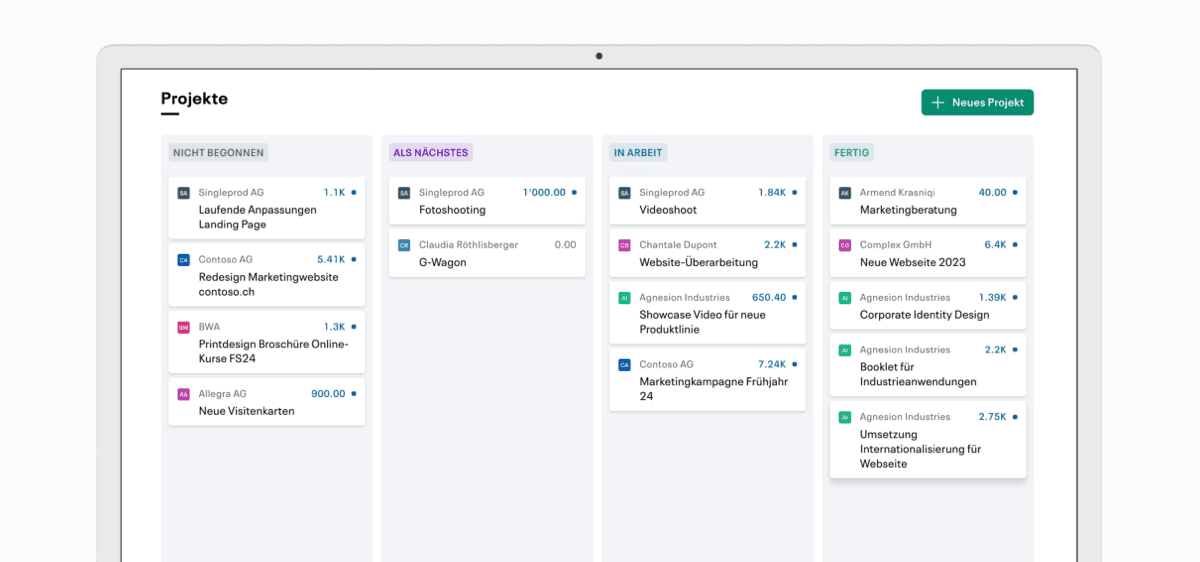
Projects can now also be presented in a revised view — including a compact list view for a better overview and faster access to the most important information.
Transactions in Live Accounting can now be split directly with Quick Commit — for more flexibility in complex booking cases.
Contacts can now be easily exported — ideal for reusing them externally or transferring them to other systems.
Infinity remembers opened accounts when booking until they are closed manually. This allows you to continue working seamlessly at any time — even after switching to other areas or logging out and logging back in.

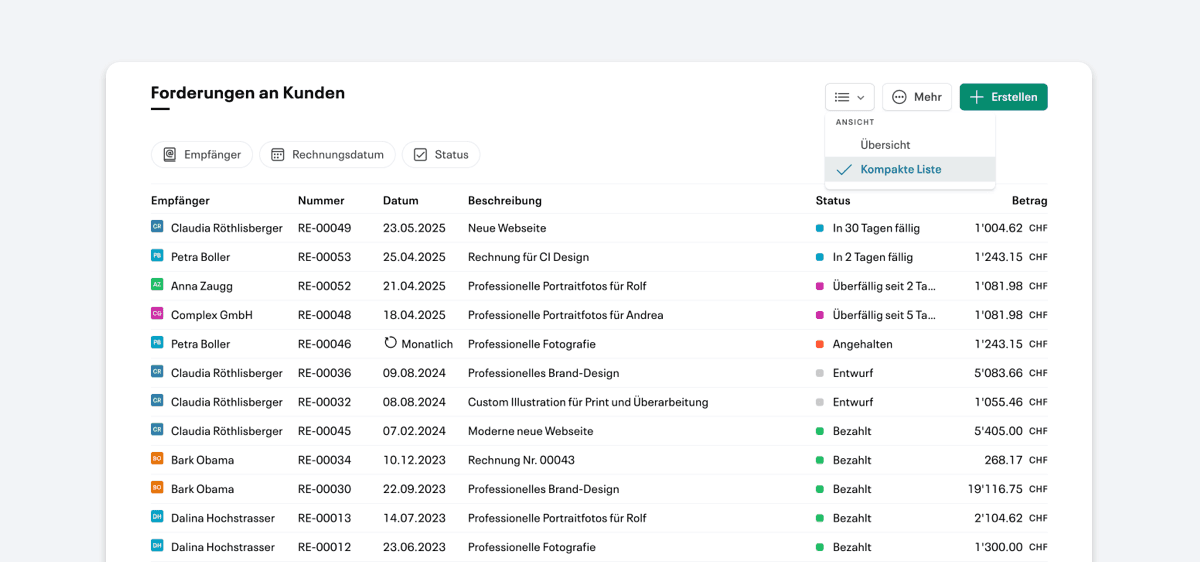
In addition to the previous presentation of receivables, offers and invoices, a compact list view is now available. Among other things, the invoice number is also displayed directly in this view.
It is now possible to export the chart of accounts with all balances as a PDF or CSV. The export can be found at the top right of the book tab under Reports.
In the new Live Accounting settings under “Bank Details”, several already authorized accounts from the same bank can now be linked together — for even clearer administration.
Several CAMT files can now be uploaded in one step — ideal for efficiently processing larger amounts of data and speeding up the import process.
Infinity now also supports more extensive imports of bank transactions, such as CAMT.053 files with movements over several months.
In addition, when importing or synchronizing many bank transactions, a progress bar is now displayed — the page can easily be left in the meantime.

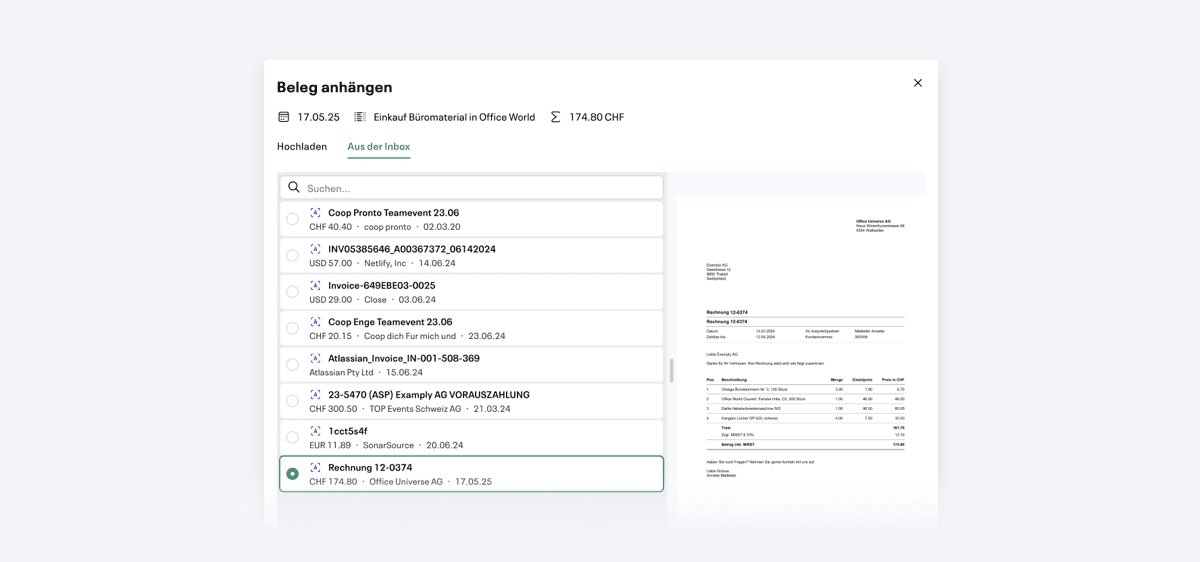
Attaching suitable documents from the inbox to existing postings has so far been complex — especially if there was no automatic allocation.
This process has now been significantly simplified: When linked later, all live capture information appears directly in the search, supplemented by a practical preview of the selected document.

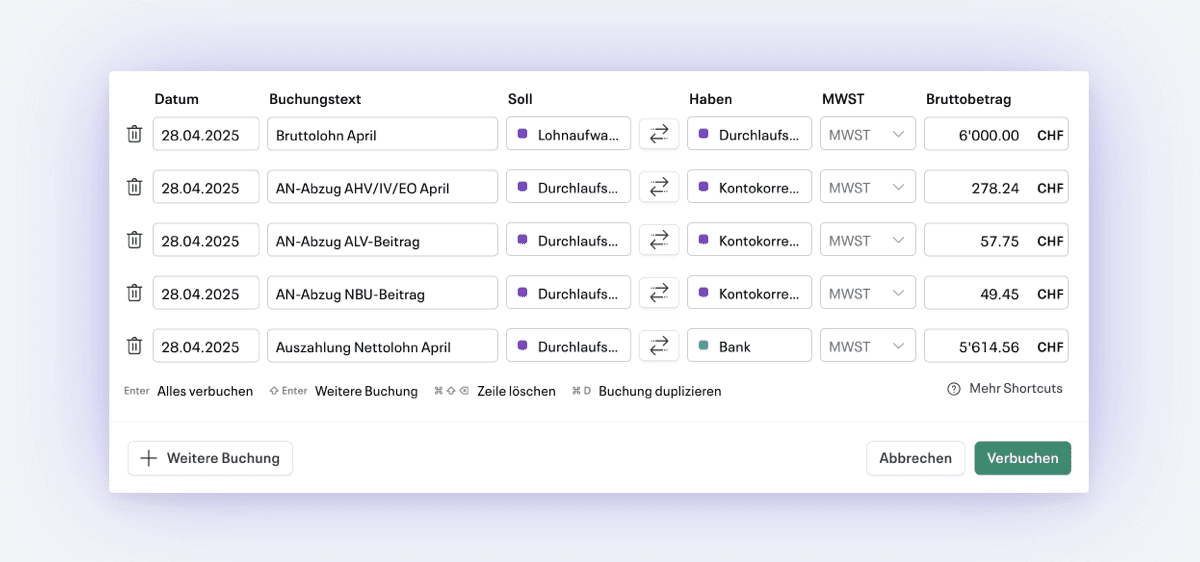
With Quick Commit, multiple manual bookings can be efficiently recorded by debit and credit — ideal for experienced users. The function also offers numerous keyboard shortcuts that noticeably speed up the booking process.
Quick Commit is opened with the shortcut Cmd-I (Mac) or Ctrl-I (Windows). More information is available in the Help Center.

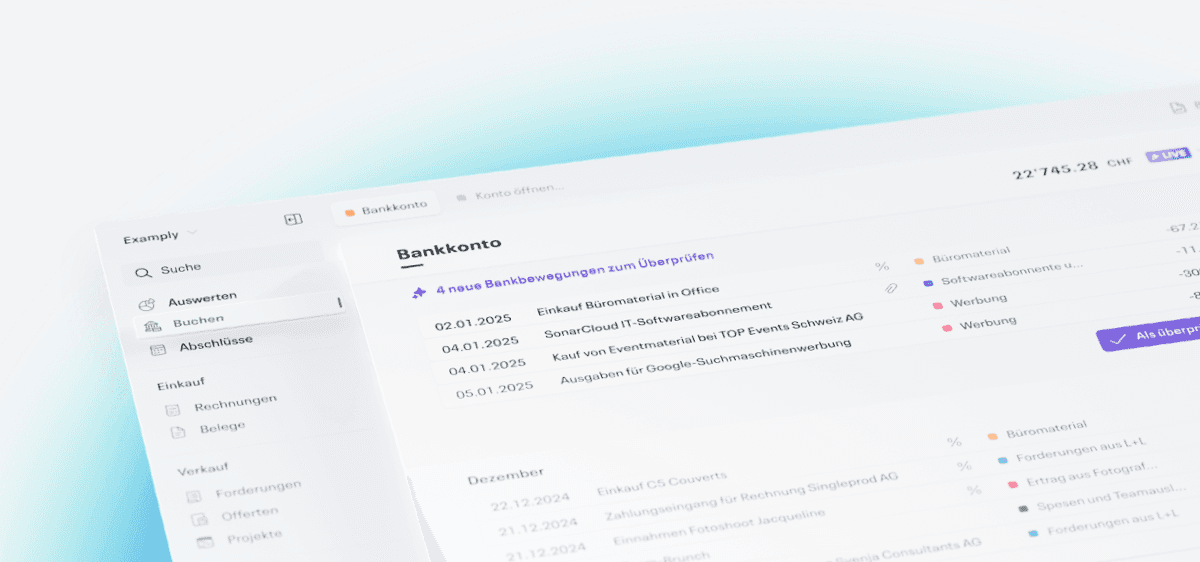
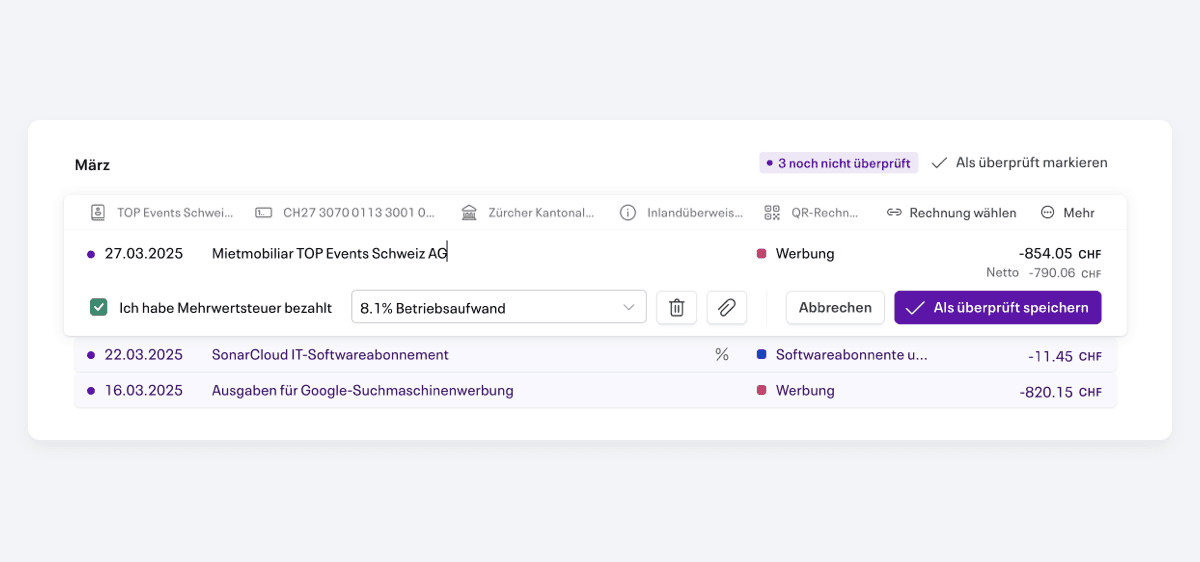
The process for verifying bookings has been fundamentally revised. Especially when it comes to a large number of bookings, the new presentation provides a significantly better overview.
Bookings to be checked are now displayed together with other bookings so that they can be better arranged chronologically.
Incomplete booking suggestions (e.g. without a matching account) are also clearly highlighted.
In contact management and selection, a person's associated company is now displayed directly in the list. It is now also possible to search for it. This makes it much more convenient to search for contacts in Infinity when there are multiple contacts from the same company.
In Infinity, you can now select the collection tax as the VAT type. Infinity then automatically creates the necessary bookings and correctly stores the purchase tax in the VAT form.
In this update, we have also made it more flexible as to which accounts can be charged with VAT. You can adjust this again in the chart of accounts.
We have launched an update to Live Accounting AI accounting, which improves the quality of booking suggestions to an even higher level and reduces common errors.
We've improved the user experience with Live Accounting:
In addition, live accounting now works more reliably for UBS clients.
With the new import, abasalary payroll users can easily import their payroll entries into Infinity via XML. You can activate the abasalary import in the settings under “Integrations.”
On the “Chart of Accounts” page in the book tab and in the settings using the new search bar, you can now conveniently search all accounts by account number or name.
You can now view your previous email history in Offers and Claims. E-mails sent via Infinity for offers and demands are now displayed in the sidebar and can also be viewed directly.
In January, we launched a series of small useful improvements that significantly improve everyday life in Infinity.
We also launched over 10+ bug fixes in January.

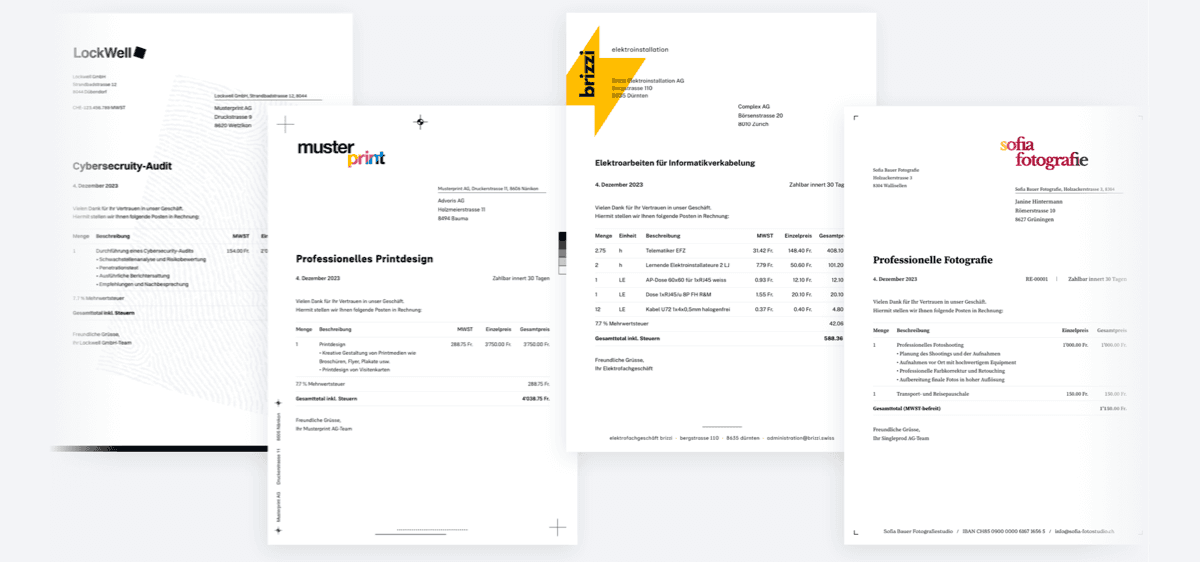
Forderungen können ab jetzt noch individueller gestaltet werden

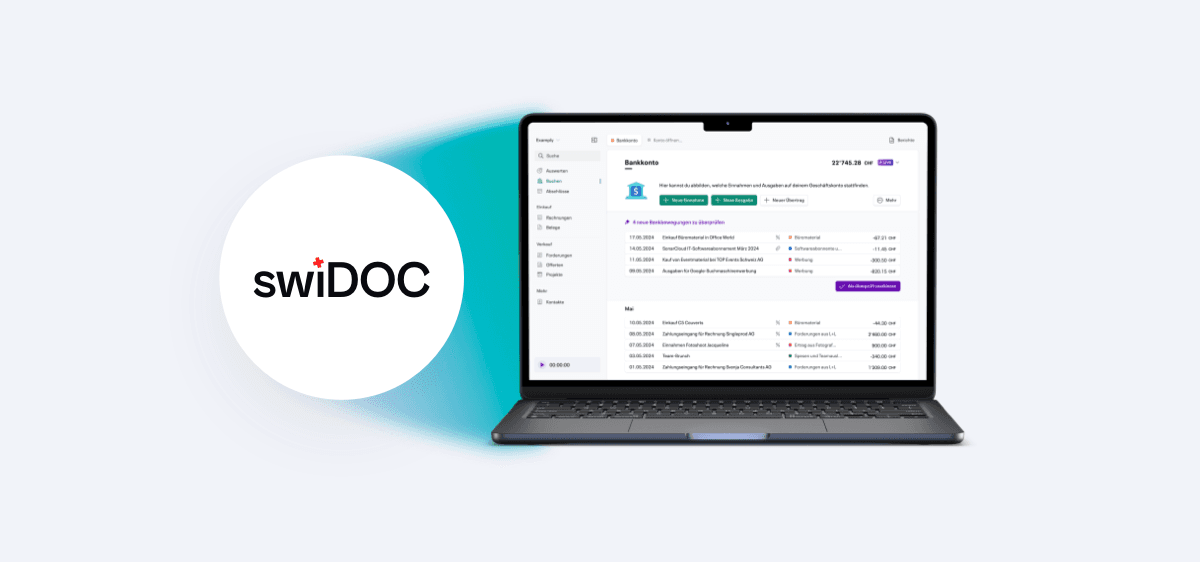
Die erste Integration für Infinity ist da! Ab sofort können unsere Nutzer Infinity mit swiDOC verbinden. Anhänge, die bei Transaktionen oder Forderungen gebucht werden, werden automatisch revisionssicher in der e-Archivierungslösung von swiDOC gespeichert.
Erfolgsrechnung und Bilanz können nun endlich als PDF exportiert werden mit einem professionellen Look.

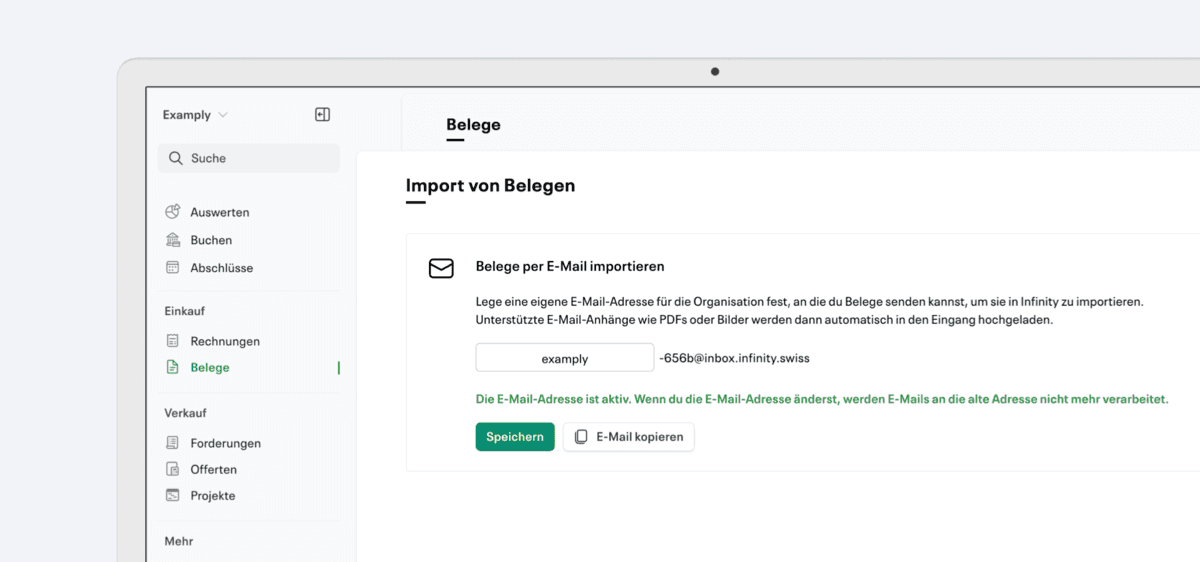
Ab sofort kannst du deine Belege easy direkt per E-Mail an Infinity senden! Dafür einfach im Tab „Belege“ oben rechts auf „Import“ klicken, die gewünschte E-Mail-Adresse aktivieren – und los geht’s.
Alle E-Mails mit Anhängen, die du an diese Adresse schickst, landen automatisch in deinem Belegeingang.
Die Projekt-Übersicht wurde überarbeitet: Arbeitszeiteinträge bleiben neu erhalten, auch nach der Abrechnung, und können direkt im Projekt eingesehen und bearbeitet werden. Zusätzlich können sie manuell als abgerechnet markiert werden und sind nach Monaten gruppiert, um eine bessere Übersicht zu ermöglichen.
In der Projektansicht stehen ab sofort praktische Statistiken zur Verfügung: Auf einen Blick wird ersichtlich, wie viel vom Projekt bereits abgerechnet wurde, welcher Betrag noch offen ist, wie viel Zeit insgesamt investiert wurde und wie der effektive Stundenansatz aussieht.

Infinity has received a complete redesign — more modern, intuitive and more powerful than ever before. With a redesigned user interface, streamlined navigation and an improved user experience, we make your bookkeeping even easier and more efficient.
Zeiteinträge in Projekte können nun als CSV exportiert werden.
Um noch mehr Zeit in Forderungen einzusparen, können nun Standard Ertragskonten für Forderungen ausgewählt werden. Diese Funktion findest man in den Einstellungen unter Verbuchung.

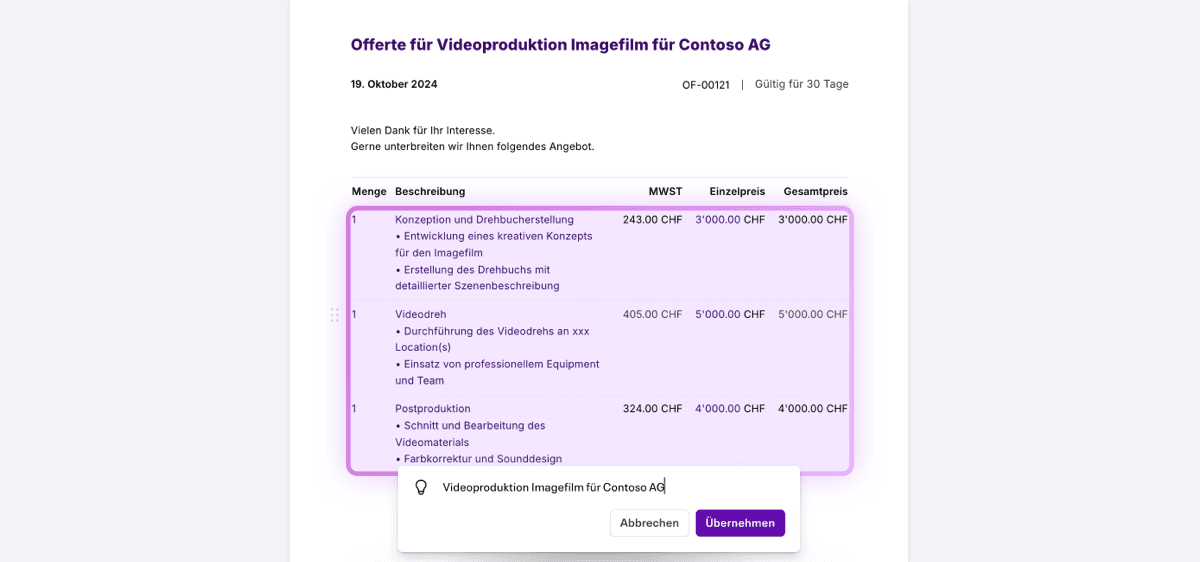
Dein persönlicher Assistent für blitzschnelle Offerten und Forderungen. Schreibe ein paar Worte und schon vervollständigt Instant Fill deine Offerten und Forderungen auf Basis vergangener Aufträge. Fülle am Schluss nur noch die Platzhalter (markiert mit xxx) und Ertragskonten ein und schon bist du fertig.

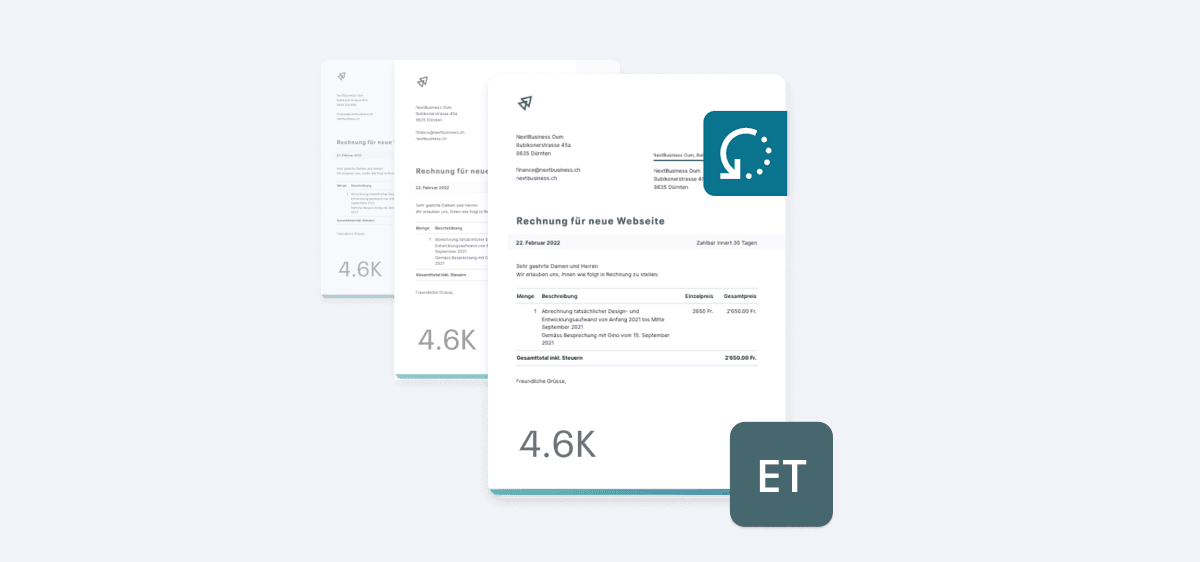
Ab sofort können Rechnungen automatisch und wiederkehrend erstellt werden – monatlich, quartalsweise oder jährlich, ganz nach Bedarf. Wiederkehrende Forderungen können zudem automatisch per E-Mail verschickt werden.
Ab sofort können Rechnungen, die vom Lieferanten gerundet wurden, nach dem Eintragen auf den gleichen Rundungsbetrag angepasst werden. Dadurch entfallen zeitaufwändige Korrekturbuchungen aufgrund von Mehrwertsteuer-Rundungsdifferenzen.

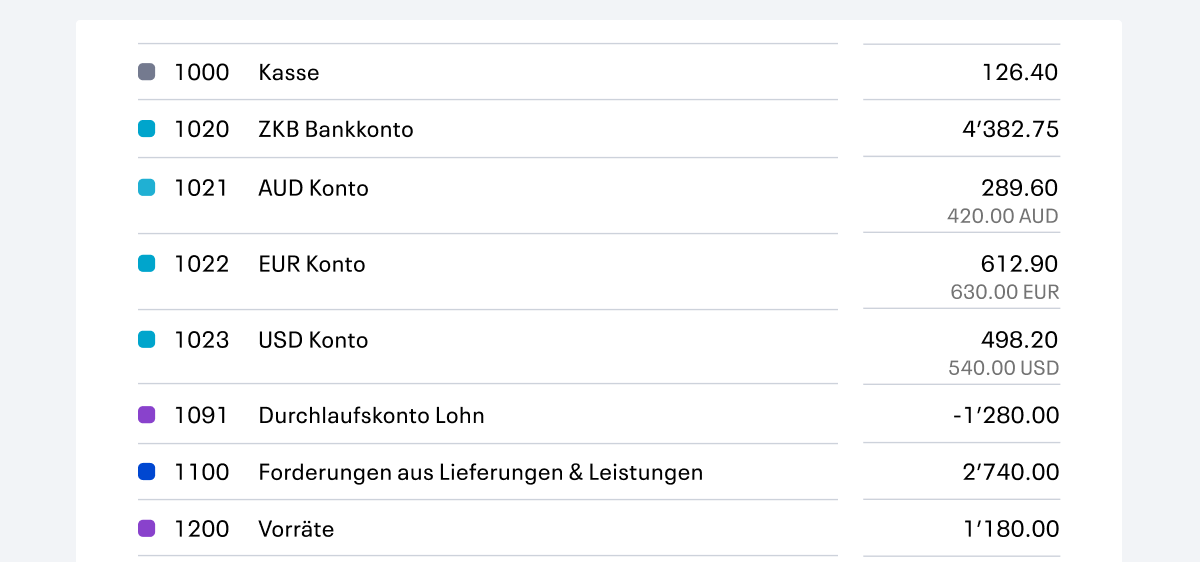
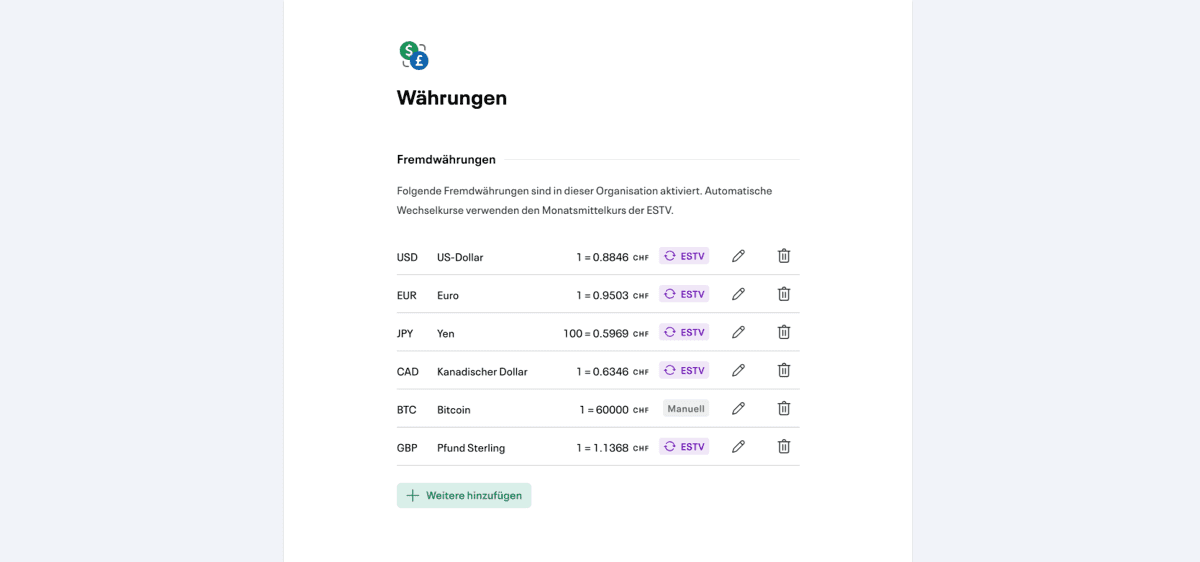
Buchungen sind nun in allen Fremdwährungen möglich und werden automatisch mit den aktuellen ESTV-Fremdwährungskurse abgeglichen.
Fremdwährungen funktionieren auch mit Live Capture. Bankbewegungen, Lieferantenrechnungen und Belege in Fremdwährungen werden somit auch automatisch von unserer AI erkannt und richtig verbucht.
Fremdwährungen können in den Einstellungen unter Währungen eingestellt und angepasst werden.

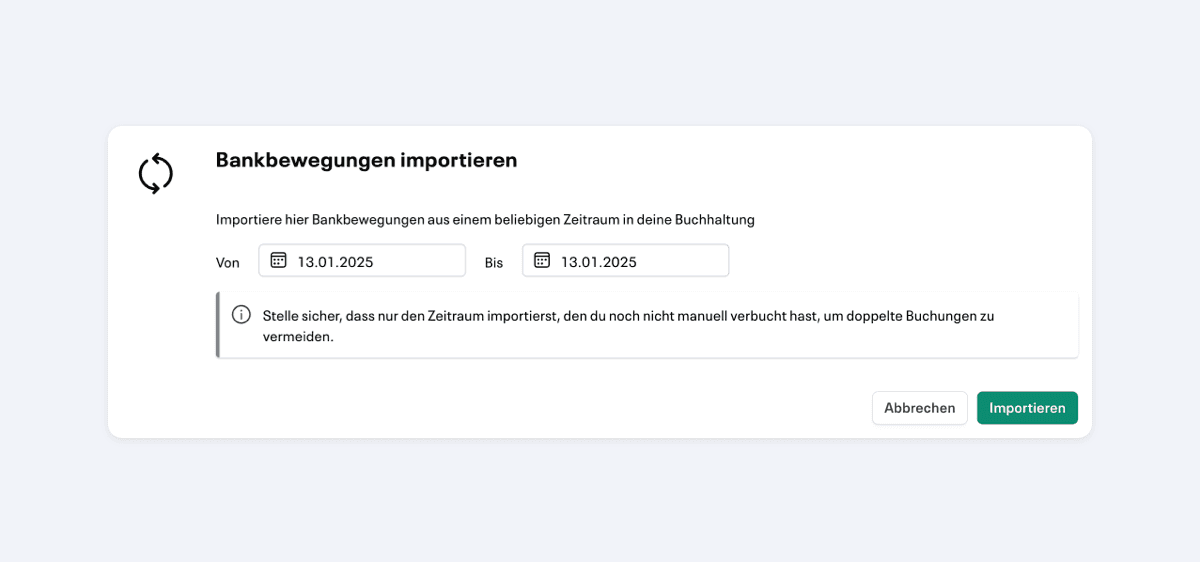
It is now possible to synchronize transactions for any period of time, even after setting up Live Accounting. This option is located at Book > More > Import bank transactions.
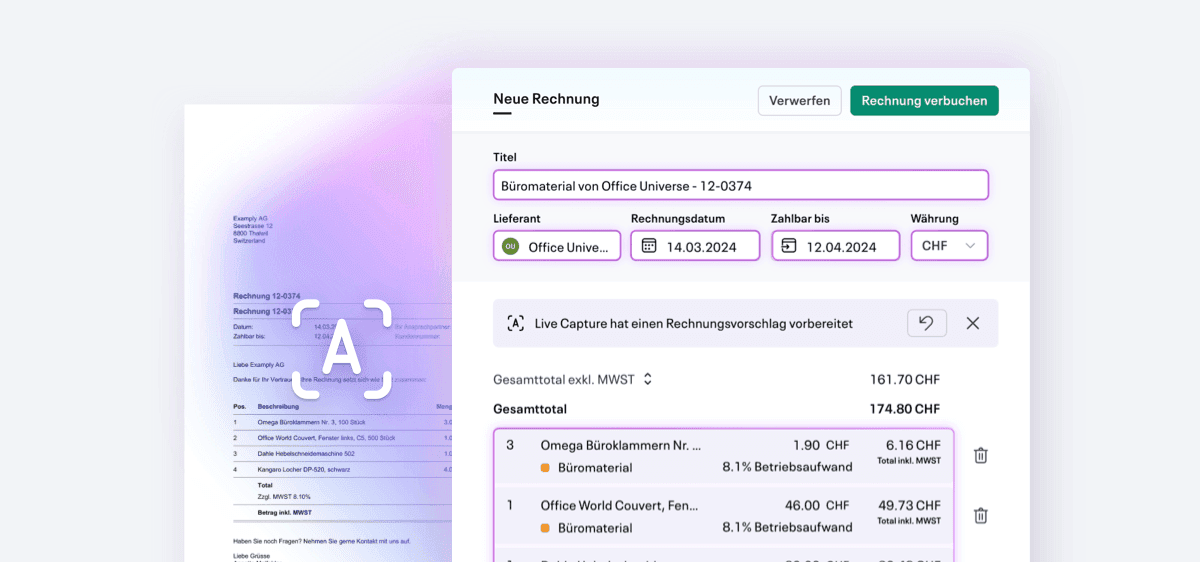
We have significantly improved the quality of document recognition with Live Capture for more complex invoices.

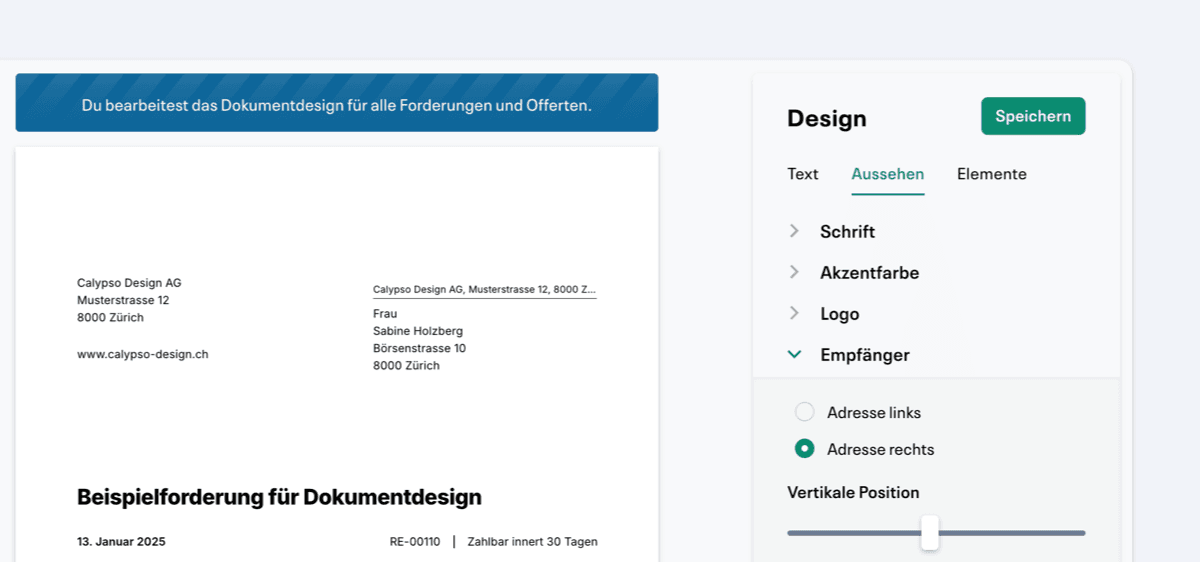
The vertical position of the recipient address in invoice and offer PDFs can now be individually adjusted.
Invoice and offer emails are now sent with improved deliverability and are less likely to end up in the spam folder.

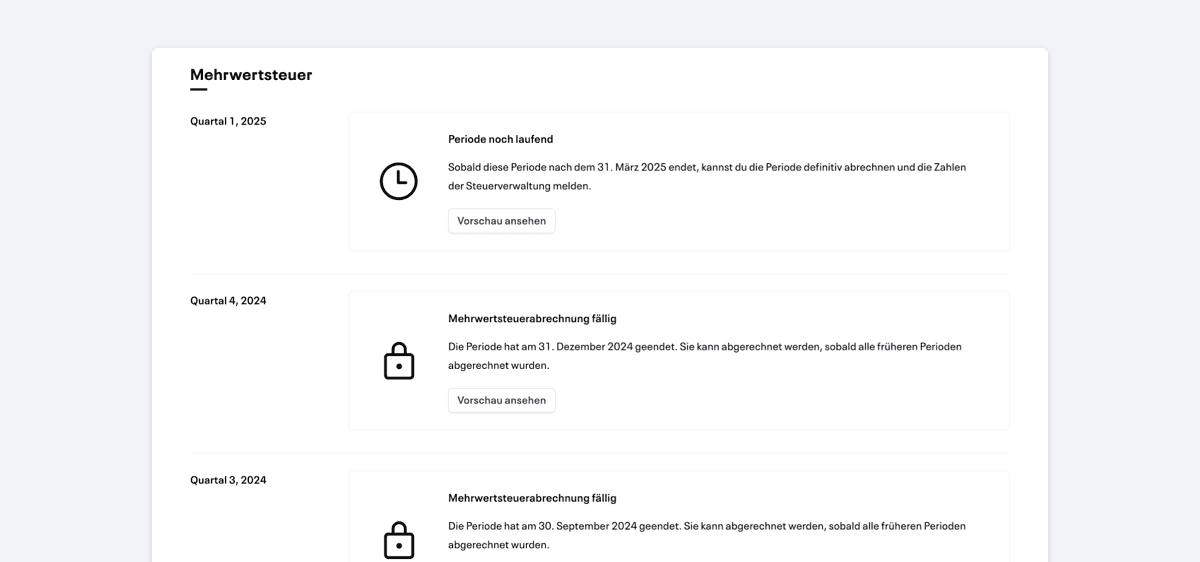
Neu können MWST-Formulare für aktuellere Quartale eingesehen werden, auch wenn frühere Quartale noch nicht abgeschlossen sind.
Wenn Live Accounting eine Rechnungszahlung nicht erkennt, kann die entsprechende Transaktion neu manuell einer Rechnung zugeordnet und nachträglich abgestimmt werden.
Start a timer for time recording in customer projects with the new time recording panel to calculate the working time worked in the project later.
Documents can now be renamed for documents. When a document is opened, click on “More” and then on “Rename documents.”

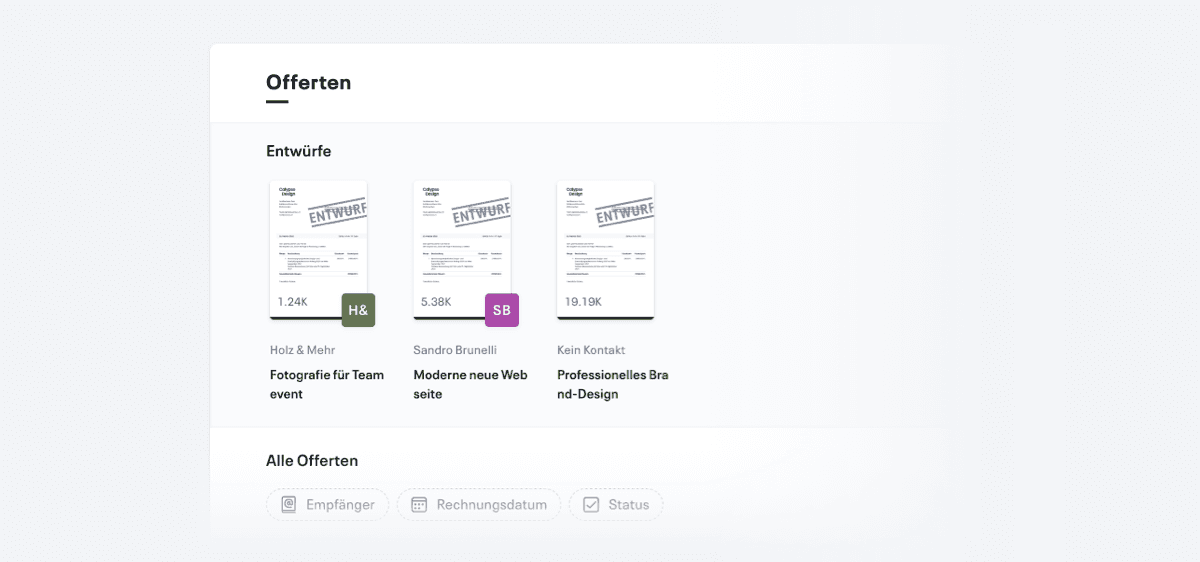
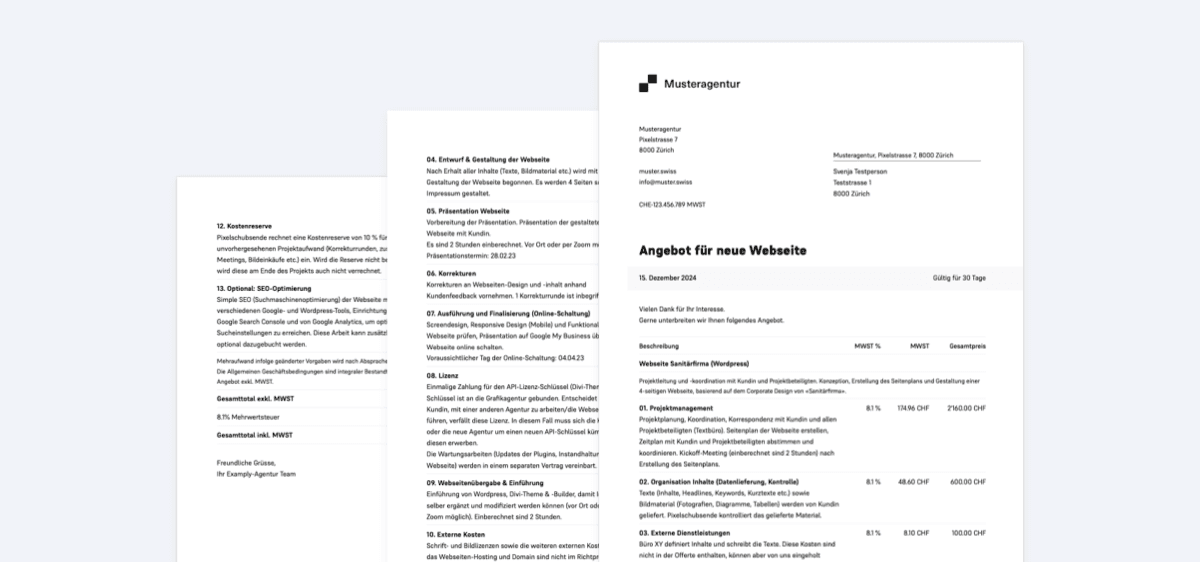
We've heard that it can be difficult to keep track of offers — that's why offers can now be found on a separate subpage under Sales.

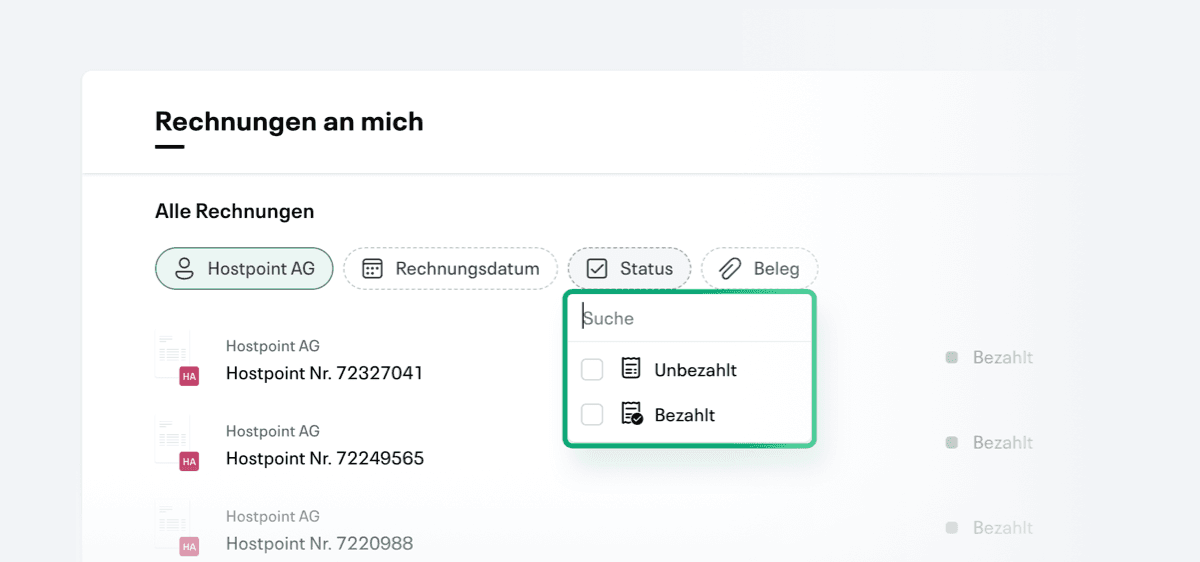
Invoice lists can now be filtered by recipient, date, status and other criteria.

With Live Capture, receipts can be captured without editing. It is now available to all users and has been extended with several improvements.

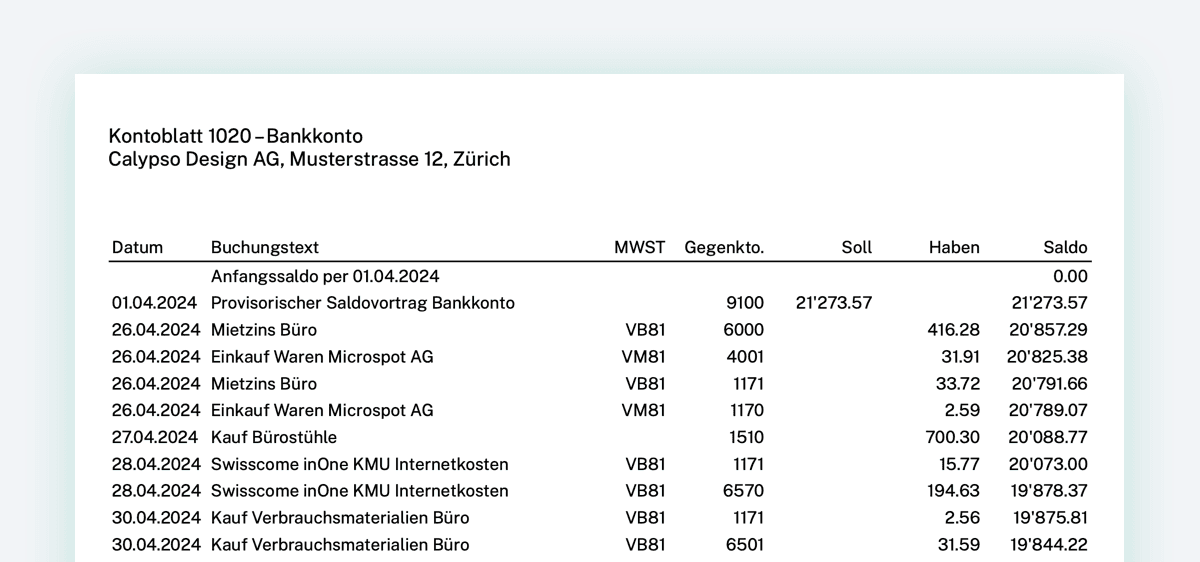
At the top right under “Reports” on the book tab, account sheets with a continuous balance can now be downloaded as PDF or CSV for any account.
The net amount can now be activated as a subtotal for receivables. Only the amount excluding VAT can now be displayed on offers. In the VAT settings, the preference can also be saved for future documents.

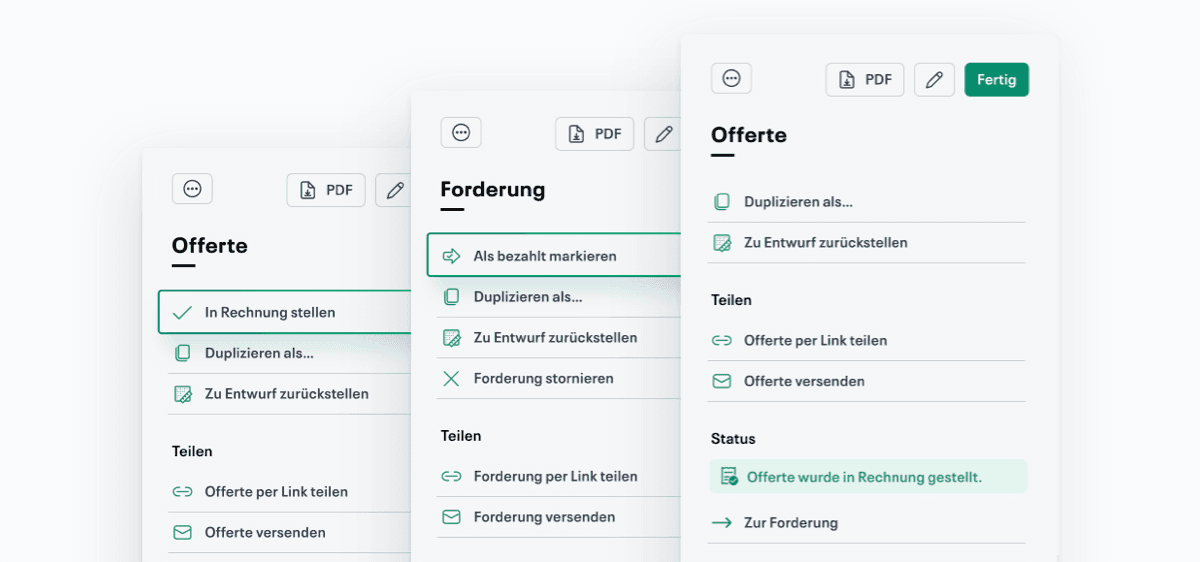
We've improved the sidebar in Offers and Claims so that common actions can be found more easily.
Drafts for offers and claims are now automatically saved so that no more work is accidentally lost.